 Guide
Guide 
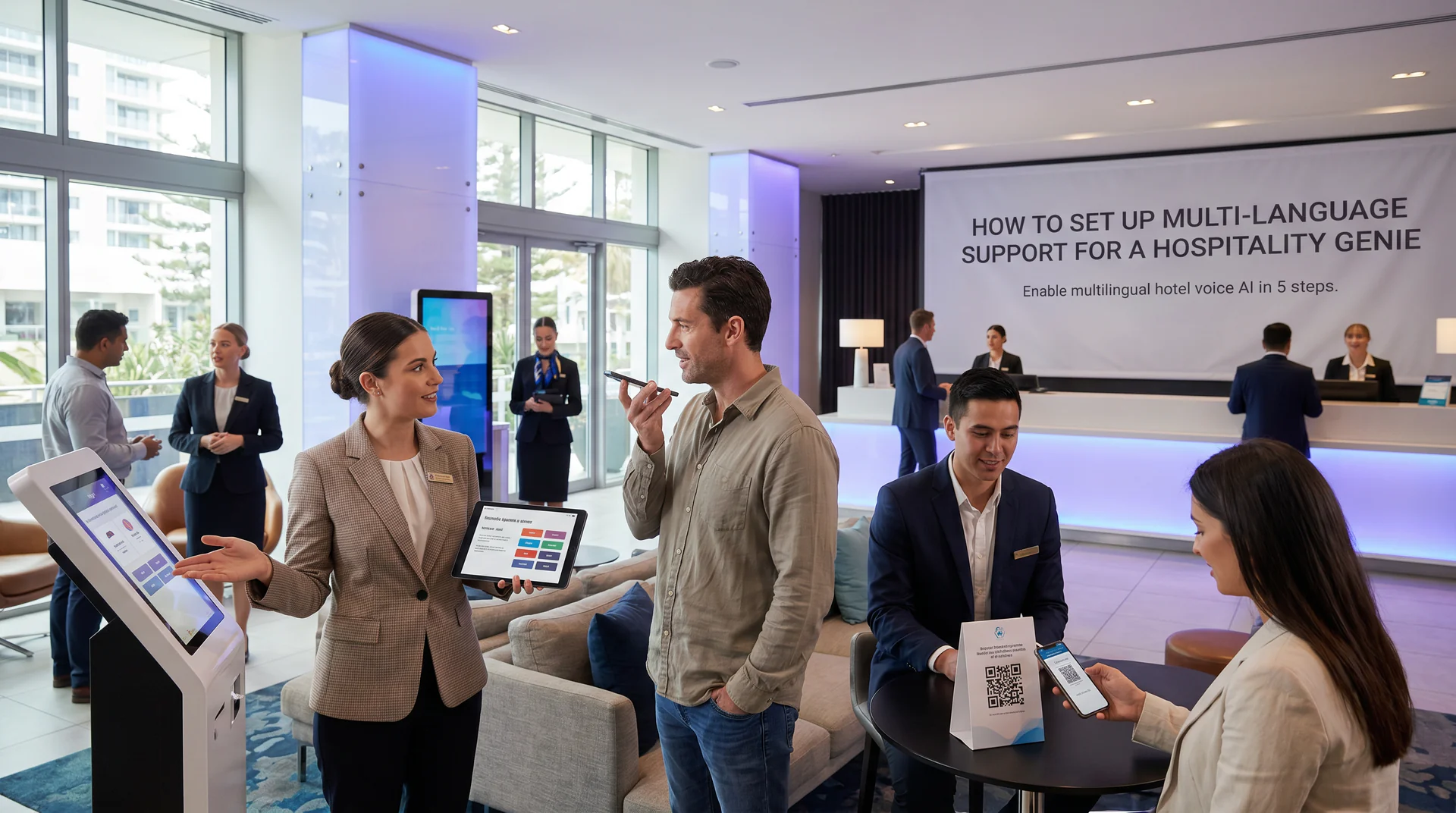
International guests don’t wait for a property that can answer in their language. They move on to one that can.
For hotels, tour operators, and accommodation providers, this is a real problem. A guest who can’t get a clear answer about your cancellation policy or check-in time will often just book somewhere else. They won’t call back. They won’t fill out a form.
This guide walks you through enabling multi-language support on your hospitality genie in five practical steps. By the end, you’ll have a genie that can greet guests, answer policy questions, and handle common requests in the languages your guests actually speak, across your website widget, booking phone line, and in-room QR code.
What You Need Before You Start
- An active Help Genie account with a genie already created for your property
- Your core knowledge base content uploaded (FAQs, check-in policies, room descriptions)
- A list of the top 3-5 languages your guests use (check your booking data or front desk logs)
- Localised policy documents, if you have them (even partial translations help)
You don’t need a developer. This entire setup happens inside the genie dashboard.
Step 1: Turn On Multi-Language and Select Your Languages
Open your genie dashboard and navigate to the language settings. Help Genie’s platform supports 40-plus languages, so you have real options here.
Don’t turn on every language available. That sounds tempting, but it creates testing debt and makes quality control much harder. Start with the languages that actually show up in your guest data.
A mid-range coastal resort might prioritise English, German, French, and Mandarin. A tour operator in a Spanish-speaking region might add Spanish and Portuguese. Check your property management system or booking platform for origin data. Most show you where reservations are coming from.
Select your languages, then confirm your default language. The default is what the genie uses when it can’t detect the guest’s language from context. For most properties, English is the right default, but if 60% of your guests speak another language, adjust accordingly.
Verify: Save your settings and open a test conversation. The genie should now be able to respond in the languages you selected.
Step 2: Set Pronunciation Rules for Property Names and Local Landmarks
This step is easy to skip and painful to regret.
When a German guest hears the genie say your property name with the wrong stress, or mispronounce a local beach or attraction, it breaks trust immediately. It sounds like a generic tool, not your brand.
Go to the pronunciation settings inside your genie’s voice configuration. Add your property name, any branded offerings (spa names, restaurant names, package names), and the local landmarks your guests commonly ask about. For each one, you can add a phonetic guide so the genie says it correctly in each target language.
For example, if your property is near a location with a name that’s hard to pronounce in languages other than the local one, write out the phonetic version. “Waihi Beach” sounds very different when read phonetically by a French speaker versus a native English speaker.
Spend 20-30 minutes on this step. It’s a small investment for a noticeably better guest experience.
Verify: Run test calls in each of your target languages and listen for the property name and two or three key landmarks. Adjust the phonetic rules until it sounds natural.
Step 3: Upload Localised Policy Documents
Your genie’s knowledge base is what it draws on to answer questions. If your cancellation policy, deposit requirements, and check-in procedures only exist in English, your German or French-speaking genie is translating on the fly. That works, but localised documents give it more precise, trustworthy source material.
Upload localised versions of your most-asked-about documents first. Priority order for most hospitality businesses:
- Cancellation and refund policy
- Check-in and check-out times and procedures
- Deposit and payment policy
- House rules and property access
- Breakfast, dining, and amenity information
You don’t need every document fully localised on day one. Even a partial French version of your cancellation policy helps the genie give more accurate answers to French-speaking guests.
When you upload, tag or label each document with the relevant language so the genie knows which source to draw on when responding in that language.
Verify: Ask the genie your cancellation policy in each language you’ve uploaded a localised version for. Compare the answer to your actual policy document. If there’s a gap, check that the document uploaded cleanly and is tagged correctly.
Step 4: Test Calls in Each Language and Tune the Greeting
Testing isn’t optional. A genie that sounds flat or clinical in one language will cost you guests, even if the information is technically correct.
Run a full test conversation in each target language. Ask the questions your guests actually ask:
- “What time can I check in?”
- “Is there a fee if I cancel tomorrow?”
- “How do I get from the airport to the property?”
- “Is breakfast included?”
Listen to the tone, not just the accuracy. Does the greeting feel warm? Does the genie’s personality come through in each language, or does it sound robotic in some and natural in others?
Inside the genie settings, you can adjust the greeting message and personality prompts for each language. Use this. A direct, efficient greeting works well in German. A warmer, more expressive tone tends to land better in French or Spanish. You don’t need to overdo this, but a small adjustment to the opening message makes a real difference.
Verify: You should be able to complete a realistic guest conversation in each language from start to finish without the genie breaking, losing context, or giving a wrong answer.
Step 5: Deploy Across Website Widget, Phone Line, and Room QR Code
Your multi-language genie is ready. Now it needs to be everywhere your guests look.
Website widget: Add the embed code to your property website. If your site has language-specific pages (a French version, a German version), point guests from those pages to a version of the widget with the matching default language. Most guests who land on a French version of your site want to communicate in French.
Booking phone line: Connect your genie to your property’s booking number. This is the highest-stakes channel because guests who call are often mid-decision. The genie should identify the guest’s language within the first exchange and switch automatically.
In-room QR code: Print QR codes that link directly to your genie and place them in each room. Common use cases: late-night questions about facilities, requests for extra towels or pillows routed to the right team, questions about nearby restaurants. A guest who can scan a QR code and immediately get answers in their language has a noticeably better stay.
Verify: Test each channel separately. Scan the QR code on a phone. Call the booking number. Open the widget on your live website. Confirm the genie responds correctly in each language on each channel.
For more on how properties are using voice AI across the full guest journey, see the travel and hospitality industry page.
Common Gotchas
Mixed-language conversations. A guest might start in English and switch to Spanish mid-conversation, especially if they’re more comfortable in their native language for complex questions. Help Genie’s genie handles language switching within a conversation, but test this deliberately. Ask a question in English, follow up in your second target language, and see how the genie responds.
Accented English. Many guests speak English as a second language, often with a strong accent. Test your English-language genie with non-native phrasing. “What is the hour of entry?” should get the same answer as “When can I check in?” Check that the genie doesn’t get tripped up by unusual sentence structures.
Idiom handling. Idioms don’t translate directly, and guests sometimes use them. “Is breakfast on the house?” might confuse a genie that’s been given very literal policy language. Read through your knowledge base documents and simplify overly idiomatic phrases. Clear, direct language serves multilingual guests better than clever phrasing.
Pronunciation drift. After you update the knowledge base or make other changes, re-check your pronunciation rules. Occasionally, an update can reset a custom pronunciation. Build a short pronunciation test into your regular genie maintenance routine.
You’re Ready
Five steps and your genie is answering in the languages your guests actually speak, across every channel they use to reach you. Check-in policies, cancellation terms, local recommendations, all handled, all day and night, without anyone at the front desk needing to pick up the phone.
A multilingual hospitality genie doesn’t just serve international guests better. It captures bookings and answers questions at 2am when your team isn’t available.
See how Help Genie works for hotels, tour operators, and accommodation providers on the travel and hospitality page, or head to the ROI calculator to see what faster, multilingual guest support could mean for your property’s numbers.