
 Trades
 Capture More Job Calls
Voice Genies that book appointments and capture leads while you're on the job
Free to start · No card required
Your customers need support in many different ways. Help Genie covers them all.
It just handles it.
Talk to it. Out loud.
Ask it something awkward. It answers in about two seconds, in your voice, from what your business actually knows. No hold music, no menu tree, no "your call is important to us".
- Answers 50 callers at once, all with the same answers.
- Trained on your manuals, pricing, hours and stock.
- Hands over to a human the moment it should.

"Which wire goes to the blue terminal?"
Blue takes the neutral. Brown to live, green and yellow to earth. Page 12 of the install guide.
Answered in 1.8 seconds
Or type, if you would rather.
Same genie, same conversation, same knowledge. Not a second product, not a second knowledge base, not a second bill. It meets people however they turn up.
- Switch from voice mid-conversation. It keeps the thread.
- Reads back links, part numbers and steps you can copy.
- Same answers as the phone line, because it is the same genie.
Your number. Anywhere.
Bring the number you already advertise, or take a new local one in the US, Canada, the UK, Australia or New Zealand, answered from the first ring.
The New Zealand line is live right now. Ring it and it picks up.
Would rather we rang you?
Some people do not want to type, and do not want to wait on hold. Leave a number and we ring you back, at a time that suits, about your business and what a genie would do in it.
- No queue, no hold, no form that goes nowhere.
- A real conversation about your setup, not a script.
- Or ring us first on +64 9 886 4856.
Point your phone at that.
The same genie opens in your hand. That is exactly what your customer does when they scan the sticker on the machine, the warranty card, or the back of the door. No app, no signup, no manual.
- Print it on anything you ship.
- Update the answers once. Every sticker in the field is current.
- The code never changes, so old print stays good.
One line, on your site.
Drop this in and the genie is on every page, branded to your site, answering before a visitor thinks about leaving. It is the live-chat widget you already pay monthly for, except nobody has to be at a desk.
<script
  src="https://helpgenie.ai/widget.js"
  data-genie="your-genie"
  defer
></script>
Every genie, in your pocket.
The app puts every genie you have built on your phone. Check what was asked overnight, listen back to a call, invite the team, hand access to anyone. Your customers can carry it too.
- See every conversation as it happens.
- Invite your team, share access with anyone.
- On iPhone and Android today.


Ask us anything. By email.
Type a real question, leave your address, and we will email you back. This is the same inbox your customers would be writing to, doing the same job.
- Reads, classifies and prioritises every email that arrives.
- Drafts the reply your team sends with one click.
- Nothing sits unanswered overnight.
Your manuals, but talkable.
Drop in the install guide, the spec sheet, the price list, the SOP, the FAQ nobody reads. The genie reads all of it and answers from it, so nobody has to go hunting through page 40 again.
- PDFs, docs, spreadsheets, your website, all of it.
- Unlimited knowledge base on every plan.
- Change the source once and every channel is current.
 Install-guide-X200.pdf Parts-and-pricing.xlsx Warranty-terms.docx
 A support page of your own.
Every genie gets its own hosted page, live on the web from the day you build it. Put it on your invoices, your packaging, your email footer, your Google listing. It is a whole support site without a support site.
Nothing to host, nothing to maintain, nothing to redeploy when an answer changes.
See a live oneOne genie answers every call, chat, and message
Trained once on what your business knows, then it picks up on every channel and takes action in your systems.
Trained on everything you know

One genie
Trained on what your business knows. One source of truth.
Answering on every channel
And taking action in your systems
What your trades genie does
Three jobs, handled the moment a customer reaches out.
Emergency Call Handling
Capture and triage emergency service calls 24/7
Appointment Scheduling
Let customers book service appointments around the clock
Quote Request Capture
Capture project details and quote requests from potential customers

Your Phones Ring. Your Genie Answers.
While you're on the job site, your Genie can capture lead details, triage emergencies, and offer appointments from connected availability.
Always Answering
Calls can be answered professionally while you're on a roof or under a house.
Always Dispatching
Emergencies are triaged and routed using your configured on-call rules.
Always Booking
Jobs are offered from connected calendar availability to reduce booking conflicts and phone tag.
Want the detail?
Everything Help Genie does for trades
The challenges, the full application list, integrations, and FAQs — for when you want to dig in.
 Common Challenges
Challenges You Face
These are the problems your customers deal with every day — and what Help Genie solves.

Missing Calls While Working
High ImpactTrade professionals can't answer phones while on job sites, leading to lost business
After-Hours Emergencies
High ImpactPlumbing leaks, HVAC failures, and electrical issues don't wait for business hours

Scheduling Chaos
Managing appointments across multiple technicians and locations is complex

Inconsistent Customer Experience
Call handling varies when different people answer, affecting professionalism
 Solutions
How Help Genie Solves It
From challenge to resolution — see exactly how Help Genie transforms your operations.

Missing calls on job sites
Deploy a Voice Genie to answer calls professionally while staff are unavailable
Forward business line to Help Genie when unavailable
Capture incoming lead details while the Genie is active Use a consistent configured response Detailed message with job information After-hours emergency coverage
24/7 emergency call triage and dispatch
Configure emergency keywords and escalation procedures
Capture and route emergency call details Proper severity assessment Premium emergency service revenue Appointment scheduling burden
Self-service appointment booking with calendar integration
Connect to business calendar and configure availability
Reduce scheduling back-and-forth Fewer no-shows with reminders Better technician utilization One genie runs five workflows
Every trades business runs the same five call and chat workflows. A voice AI genie handles all of them 24/7, and hands off to you when it should.
 After-hours emergency triageAnswer the 2am burst pipe, triage urgency, and alert your on-call tech by email.Booking requests and job intakeCollect the job, the address, and the preferred time, then send it to your team to book the callout.Lead capture and qualificationCapture every enquiry with the details that matter and email it to your team before it goes cold.
 Support and FAQ deflectionAnswer pricing, service area, and "do you do X" instantly so your evenings are yours.Clean handoff to a humanHand the job to a person with the full context already captured, so nothing is repeated.
See all playbooks
Support and FAQ deflectionAnswer pricing, service area, and "do you do X" instantly so your evenings are yours.Clean handoff to a humanHand the job to a person with the full context already captured, so nothing is repeated.
See all playbooks
Trained on everything you know
One genie
Trained on what your business knows. One source of truth.
Answering on every channel
And taking action in your systems
Get the Trades voice AI playbook
The five workflows, the knowledge-base checklist, and the copy-this Genie brief. One email.
No spam. Just the playbook and the occasional voice AI tip. Unsubscribe anytime.
 Applications
Applications
How businesses use Help Genie across departments
Emergency Call Handling
Capture and triage emergency service calls 24/7
- 24/7 emergency response
- Priority call routing
- Capture urgent job details
- Capture emergency call details while staff are unavailable
Appointment Scheduling
Let customers book service appointments around the clock
- Self-service booking 24/7
- Automatic calendar sync
- Confirmation and reminders
- Send confirmations and reminders to help reduce no-shows
Quote Request Capture
Capture project details and quote requests from potential customers
- Capture leads after hours
- Gather project scope upfront
- Service area verification
- Qualify jobs before callbacks
Plumbing Services
Handle plumbing emergencies, drain cleaning, and water heater inquiries
- Emergency leak response
- Drain cleaning scheduling
- Water heater service calls
- Capture bathroom/kitchen remodel leads
HVAC Services
Manage heating and cooling emergencies, maintenance, and installations
- No-heat/no-cool emergency handling
- Seasonal maintenance scheduling
- System replacement quotes
- Filter change reminders
Electrical Services
Handle electrical emergencies, panel upgrades, and installation requests
- Power outage response
- Panel upgrade inquiries
- EV charger installation leads
- Safety inspection scheduling
 Use Cases
What Your Genie Can Do

Emergency Call Triage
Burst pipes, no heat, electrical sparking — your Genie assesses urgency and routes the request using configured escalation rules.
Identifies emergency keywords automatically Guides callers through safety steps Routes to the configured on-call technician Captures address and access details 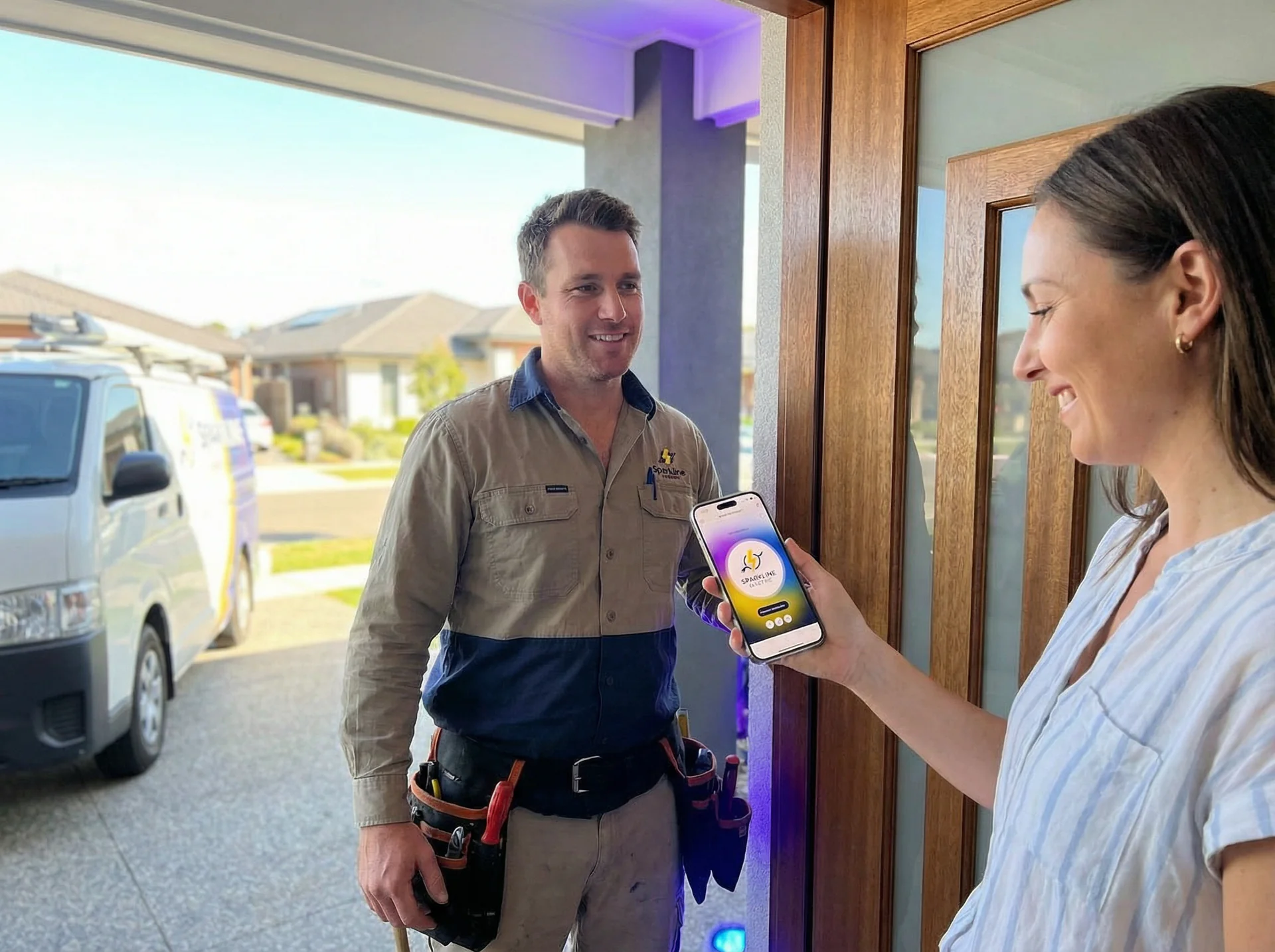
Job Booking & Scheduling
Customers book service calls while you're elbow-deep in a repair. Your Genie checks availability and confirms appointments.
Syncs with ServiceTitan, Housecall Pro, or Jobber Books into real open time slots Sends confirmation texts automatically Reduces no-shows with reminders 
Quote Request Capture
Capture project lead details and configured scope information to reduce phone tag before quoting.
Gathers project type, size, and timeline Verifies service area before you waste a trip Asks about permits and special requirements Delivers qualified leads ready to quote 
After-Hours Lead Capture
Homeowners search for help at night and on weekends. Your Genie captures those leads instead of sending them to a competitor.
Answers calls while the Genie is active, including evenings and weekends Captures full contact and job details Sends SMS notifications through the configured workflow Books next-day appointments automatically  API & Integrations
Connect Anything via Our API
One REST API for your own systems and an embeddable widget for any site. Your logic, our conversation engine.
One REST API
Manage genies, knowledge and leads from your own code with an API key.

Leads, Ready to Use
Every conversation becomes a lead with the transcript, a summary and the contact details, and your team gets an email.
Embed Anywhere
Drop a genie widget into any website, app, or kiosk with a single script tag or iframe.
AI agent compatible
 New
New
Our API is designed to work with the latest AI coding tools and agent frameworks. Build, extend, and automate Help Genie with the tools you already use.
Get your API key and start building in minutes
 Voice Genies
See What a Voice Genie Can Do
Tap any genie to try a live voice demo — or build your own in one click. Every genie is fully customisable to your business, your voice, and your workflow.
Voice Genies that book appointments and capture leads while you're on the job
 Talk to it
FAQ
Talk to it
FAQ
Common Questions
01Can the genie check my real availability before booking?
Yes, Help Genie integrates with ServiceTitan, Housecall Pro, Jobber, Google Calendar and other scheduling systems to see your real-time availability and book appointments directly into your calendar.
02How does it handle emergency calls?
The genie can identify configured emergency keywords like "leak," "no heat," and "sparking," prioritize those calls, gather critical information, and trigger your emergency notification workflow.
03What if someone calls about a service I don't offer?
The genie knows your service offerings and service area. It politely explains when something is outside your scope and can suggest they find another provider, while still capturing their information in case you want to follow up.
04Can I customize how my Genie speaks and acts?
Absolutely. Choose from dozens of natural-sounding voices, set the tone — professional, friendly, or somewhere in between — define personality traits that match your brand, and customize greetings and conversation style.
05How do I add knowledge and keep it updated?
Upload PDFs, docs, or paste text directly — your Genie learns your business instantly. Update anytime and changes apply immediately. No technical skills required.
06How do I access my lead information?
Every conversation shows up in your dashboard as a lead, with the transcript, a summary and the contact details. Your team can get an email for every conversation, a daily or weekly digest, or only the ones that need a person.
07Can I transfer calls to a human?
Yes. When a caller asks for a person, your genie transfers them to the staff number you choose. The summary and transcript follow by email.
08Can I use my existing business phone number?
Yes. Your customers call the same number they always have. Forward it to your genie or move it across to Help Genie, so there is no need to change your business cards or website.
09Can I create a new phone number?
Yes. Pick a local number in the US, Canada, the UK, Australia or New Zealand. Most numbers are live in minutes, which suits new campaigns or locations.
10Can I be more present for my customers?
Absolutely. Generate QR codes that connect straight to your Genie, create stickers for storefronts, vehicles, or handouts, embed links in emails and signatures, and place your Genie anywhere your customers might need help.
 Learn More
Related Resources
Johnni Alternatives for AU and NZ Tradies (2026)
Johnni alternatives for Australian and NZ trades. Published prices, per-minute overage, job software add-ons and six options with honest trade-offs.
Sophiie Alternatives for Australian Trades (2026)
Six Sophiie alternatives for Australian trades and service businesses, with published AUD pricing, setup fees, contract terms and honest trade-offs.
Voice AI for Trades: The Complete Guide
Everything trades businesses need to put voice AI on the phones - after-hours emergencies, quote requests, triage, setup steps and real ROI.
Your Parts Catalogue Shouldn't Live Inside One Person's Head
When your best counter person goes on leave, the whole counter struggles. Here's how a voice AI genie reads your full parts catalogue so your team doesn't have to.
How Voice AI Helps Workers Find the Right Permit to Work Answer in Seconds
See how a voice AI genie helps trades workers navigate complex permit-to-work frameworks fast, with clause references and sign-off chains on demand.
How to Set Up Your First Genie for an HVAC Business
Get your HVAC voice AI live tonight. A step-by-step setup guide covering uploads, emergency triage, branding, deployment, and test calls.
 More Industries
Explore Other Industries
See how Help Genie transforms customer service across industries