
 Events
 Guest Questions, Handled
Voice Genies that manage tickets, coordinate vendors, and support attendees before, during, and after every event
Free to start · No card required
Your customers need support in many different ways. Help Genie covers them all.
It just handles it.
Talk to it. Out loud.
Ask it something awkward. It answers in about two seconds, in your voice, from what your business actually knows. No hold music, no menu tree, no "your call is important to us".
- Answers 50 callers at once, all with the same answers.
- Trained on your manuals, pricing, hours and stock.
- Hands over to a human the moment it should.

"Which wire goes to the blue terminal?"
Blue takes the neutral. Brown to live, green and yellow to earth. Page 12 of the install guide.
Answered in 1.8 seconds
Or type, if you would rather.
Same genie, same conversation, same knowledge. Not a second product, not a second knowledge base, not a second bill. It meets people however they turn up.
- Switch from voice mid-conversation. It keeps the thread.
- Reads back links, part numbers and steps you can copy.
- Same answers as the phone line, because it is the same genie.
Your number. Anywhere.
Bring the number you already advertise, or take a new local one in the US, Canada, the UK, Australia or New Zealand, answered from the first ring.
The New Zealand line is live right now. Ring it and it picks up.
Would rather we rang you?
Some people do not want to type, and do not want to wait on hold. Leave a number and we ring you back, at a time that suits, about your business and what a genie would do in it.
- No queue, no hold, no form that goes nowhere.
- A real conversation about your setup, not a script.
- Or ring us first on +64 9 886 4856.
Point your phone at that.
The same genie opens in your hand. That is exactly what your customer does when they scan the sticker on the machine, the warranty card, or the back of the door. No app, no signup, no manual.
- Print it on anything you ship.
- Update the answers once. Every sticker in the field is current.
- The code never changes, so old print stays good.
One line, on your site.
Drop this in and the genie is on every page, branded to your site, answering before a visitor thinks about leaving. It is the live-chat widget you already pay monthly for, except nobody has to be at a desk.
<script
  src="https://helpgenie.ai/widget.js"
  data-genie="your-genie"
  defer
></script>
Every genie, in your pocket.
The app puts every genie you have built on your phone. Check what was asked overnight, listen back to a call, invite the team, hand access to anyone. Your customers can carry it too.
- See every conversation as it happens.
- Invite your team, share access with anyone.
- On iPhone and Android today.


Ask us anything. By email.
Type a real question, leave your address, and we will email you back. This is the same inbox your customers would be writing to, doing the same job.
- Reads, classifies and prioritises every email that arrives.
- Drafts the reply your team sends with one click.
- Nothing sits unanswered overnight.
Your manuals, but talkable.
Drop in the install guide, the spec sheet, the price list, the SOP, the FAQ nobody reads. The genie reads all of it and answers from it, so nobody has to go hunting through page 40 again.
- PDFs, docs, spreadsheets, your website, all of it.
- Unlimited knowledge base on every plan.
- Change the source once and every channel is current.
 Install-guide-X200.pdf Parts-and-pricing.xlsx Warranty-terms.docx
 A support page of your own.
Every genie gets its own hosted page, live on the web from the day you build it. Put it on your invoices, your packaging, your email footer, your Google listing. It is a whole support site without a support site.
Nothing to host, nothing to maintain, nothing to redeploy when an answer changes.
See a live oneOne genie answers every call, chat, and message
Trained once on what your business knows, then it picks up on every channel and takes action in your systems.
Trained on everything you know

One genie
Trained on what your business knows. One source of truth.
Answering on every channel
And taking action in your systems
What your events genie does
Three jobs, handled the moment a customer reaches out.
Ticket & Registration Support
Handle ticket inquiries, pricing, and group booking requests around the clock
Event Information Line
Provide prompt answers from your configured venue details, parking, schedule, dress code, and logistics
Vendor Coordination
Coordinate with caterers, AV teams, florists, and other vendors on logistics and timing

Your Events Deserve a Genie
Before the doors open, while the crowd is roaring, and after the last guest leaves, your Genie can handle routine questions and ticket inquiries so your team can focus on the event.
Always Selling
Ticket questions answered, registrations captured, and upsells offered, 24/7.
Always Coordinating
Vendors briefed, schedules shared, and logistics handled — without you.
Always Delighting
Common attendee questions answered from your configured event information, from parking to the headliner.
Want the detail?
Everything Help Genie does for events
The challenges, the full application list, integrations, and FAQs — for when you want to dig in.
 Common Challenges
Challenges You Face
These are the problems your customers deal with every day — and what Help Genie solves.

Attendee Volume Overwhelm
High ImpactHundreds or thousands of guests calling with questions before and during events — staff can't keep up
Last-Minute Changes
High ImpactSchedule changes, venue updates, and logistics shifts need to be communicated promptly to attendees and vendors

Multi-Channel Inquiry Chaos
Inquiries come via phone, email, social media, and walk-ins — no single system handles them all

Day-Of Staff Overload
High ImpactEvent day staff are pulled in every direction — registration, directions, VIP requests, vendor issues — all at once
 Solutions
How Help Genie Solves It
From challenge to resolution — see exactly how Help Genie transforms your operations.

Overwhelming attendee inquiry volume
24/7 Voice Genie handles ticket questions, event details, and logistics automatically
Deploy as the primary event information line and ticket inquiry handler
Handle common attendee questions without staff intervention Capture ticket inquiries while staff are unavailable Consistent, accurate event information Last-minute changes and real-time communication
Voice Genie provides event updates to callers from the configured knowledge base
Update the event knowledge base so subsequent Genie responses can reflect the latest published details
Communicate published schedule changes through the Genie Give attendees a consistent source for event-day information Reduced social media complaints Day-of staff overload
Voice Genie handles routine attendee questions during events, freeing staff for high-touch needs
QR codes at venues for on-demand voice assistance with directions, schedules, food, and restrooms
Reduce routine interruptions for event staff Faster attendee problem resolution Staff focused on VIP and critical issues  Applications
Applications
How businesses use Help Genie across departments
Ticket & Registration Support
Handle ticket inquiries, pricing, and group booking requests around the clock
- 24/7 ticket and pricing info
- Group booking assistance
- Pricing and package details
- Registration details captured
Event Information Line
Provide prompt answers from your configured venue details, parking, schedule, dress code, and logistics
- Venue directions and parking
- Schedule and lineup details
- Dress code and FAQs
- Accessibility information
Vendor Coordination
Coordinate with caterers, AV teams, florists, and other vendors on logistics and timing
- Load-in schedule management
- Setup requirement communication
- Day-of coordination
- Vendor contact routing
VIP & Guest Services
Manage VIP lists, special requests, upgrades, and personalized guest experiences
- VIP check-in and concierge
- Special request handling
- Upgrade and add-on requests
- Personalized event info
Day-Of Event Support
Real-time attendee assistance during events — directions, schedule changes, lost and found
- Real-time schedule updates
- Wayfinding and directions
- Lost and found reporting
- Emergency information
Post-Event Follow-Up
Collect feedback through a post-event link or QR code, answer questions about upcoming events, and capture attendee details for your team
- Feedback collected by link or QR code
- Recap email to attendees who leave an email
- Upcoming events explained
- Attendee details captured as leads
 Use Cases
What Your Genie Can Do
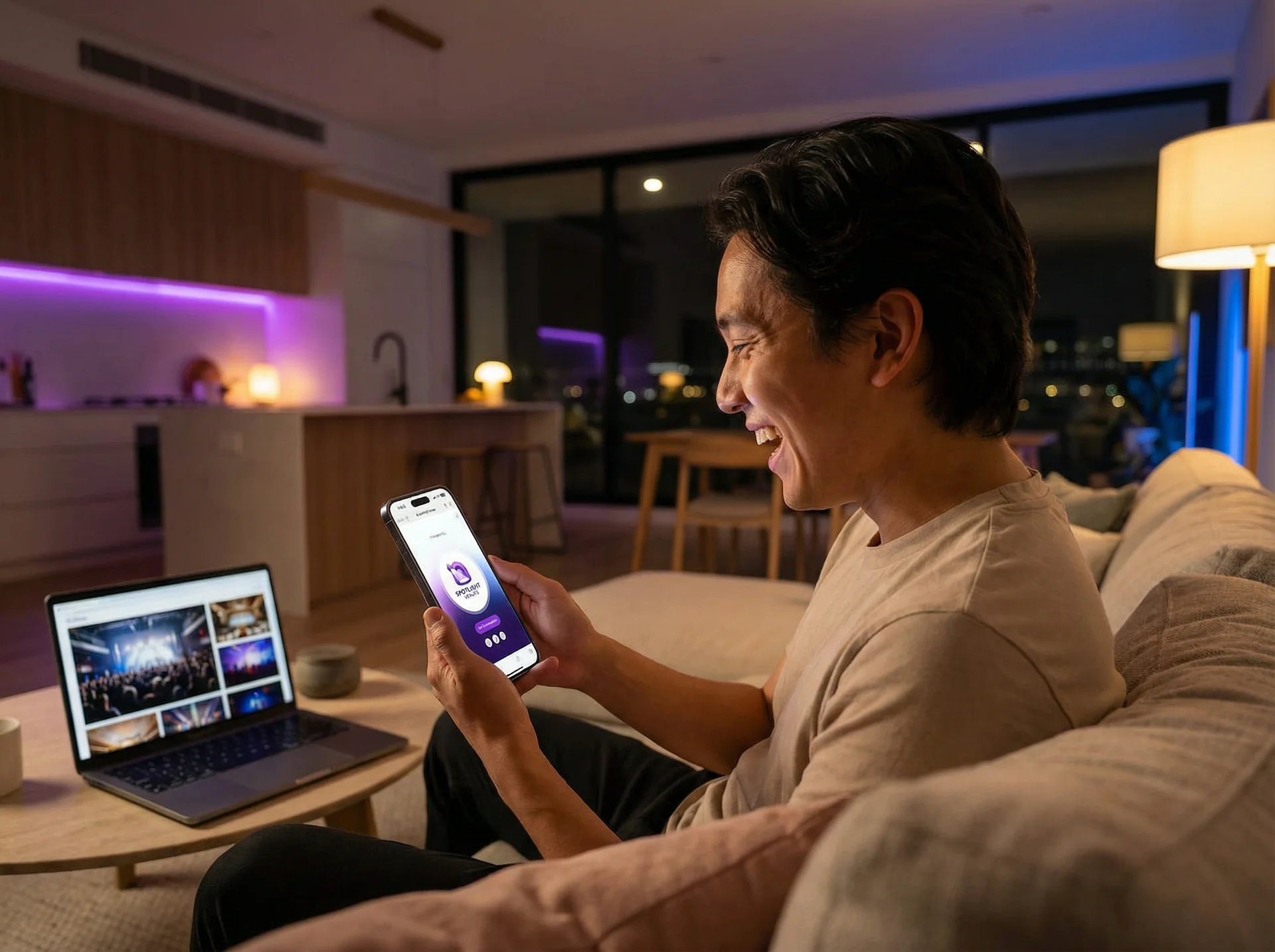
Ticket & Registration
Your genie can answer ticket questions about pricing, group discounts, and VIP upgrades, then capture registration requests for your team while staff are unavailable.
Ticket and pricing questions answered Group discount calculations VIP and upgrade options Registration requests emailed to your team 
Event Logistics & Info
Parking, directions, schedule, dress code, accessibility — your Genie answers the same 50 questions so your staff doesn't have to.
Venue directions and parking info Real-time schedule and lineup Accessibility and accommodation details Weather and preparation updates 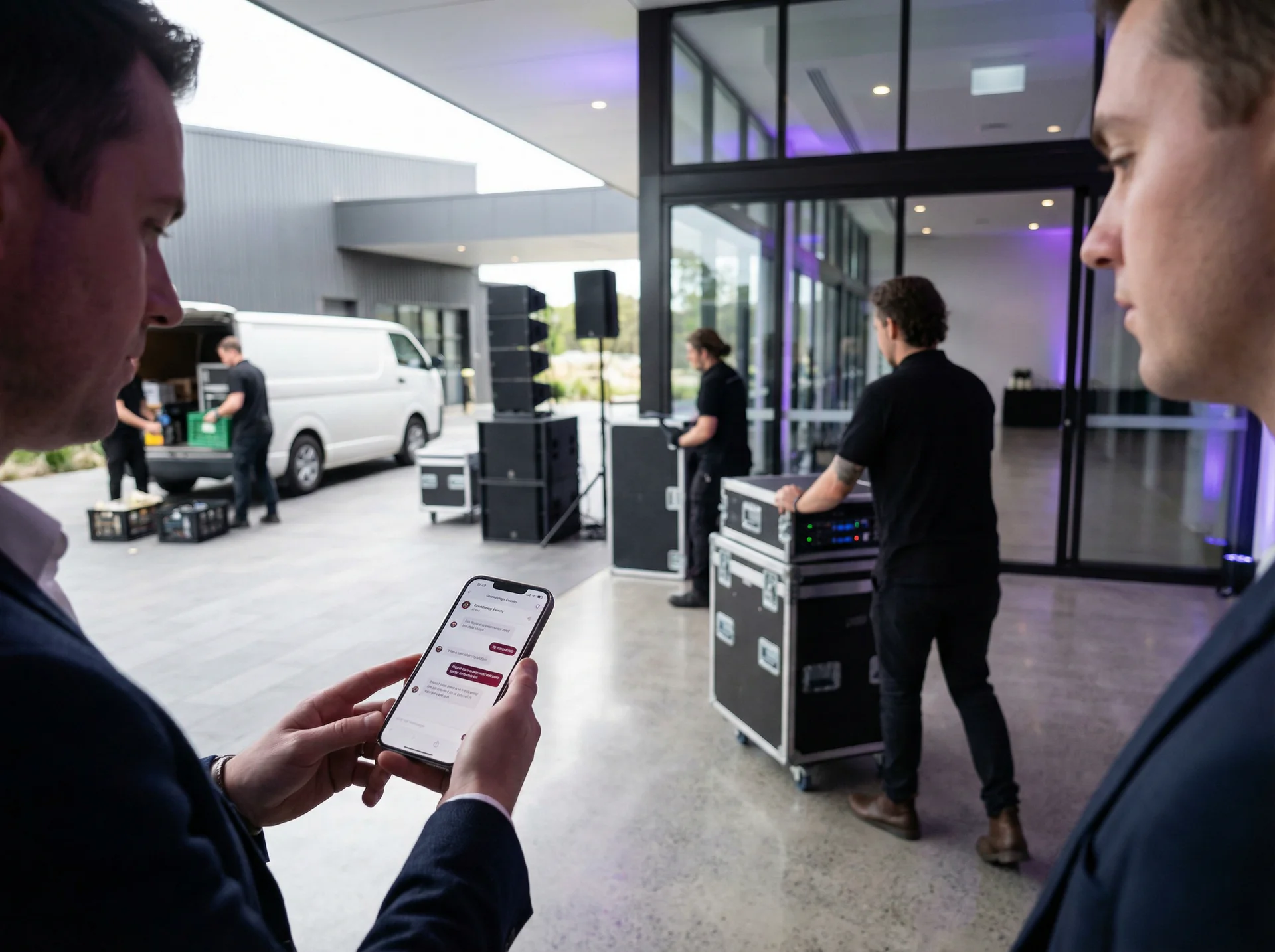
VIP & Guest Services
VIP check-in, special requests, dietary needs, and seating preferences can be supported through configured concierge workflows.
VIP list management and check-in Special request handling Dietary and accessibility needs Personalized event information 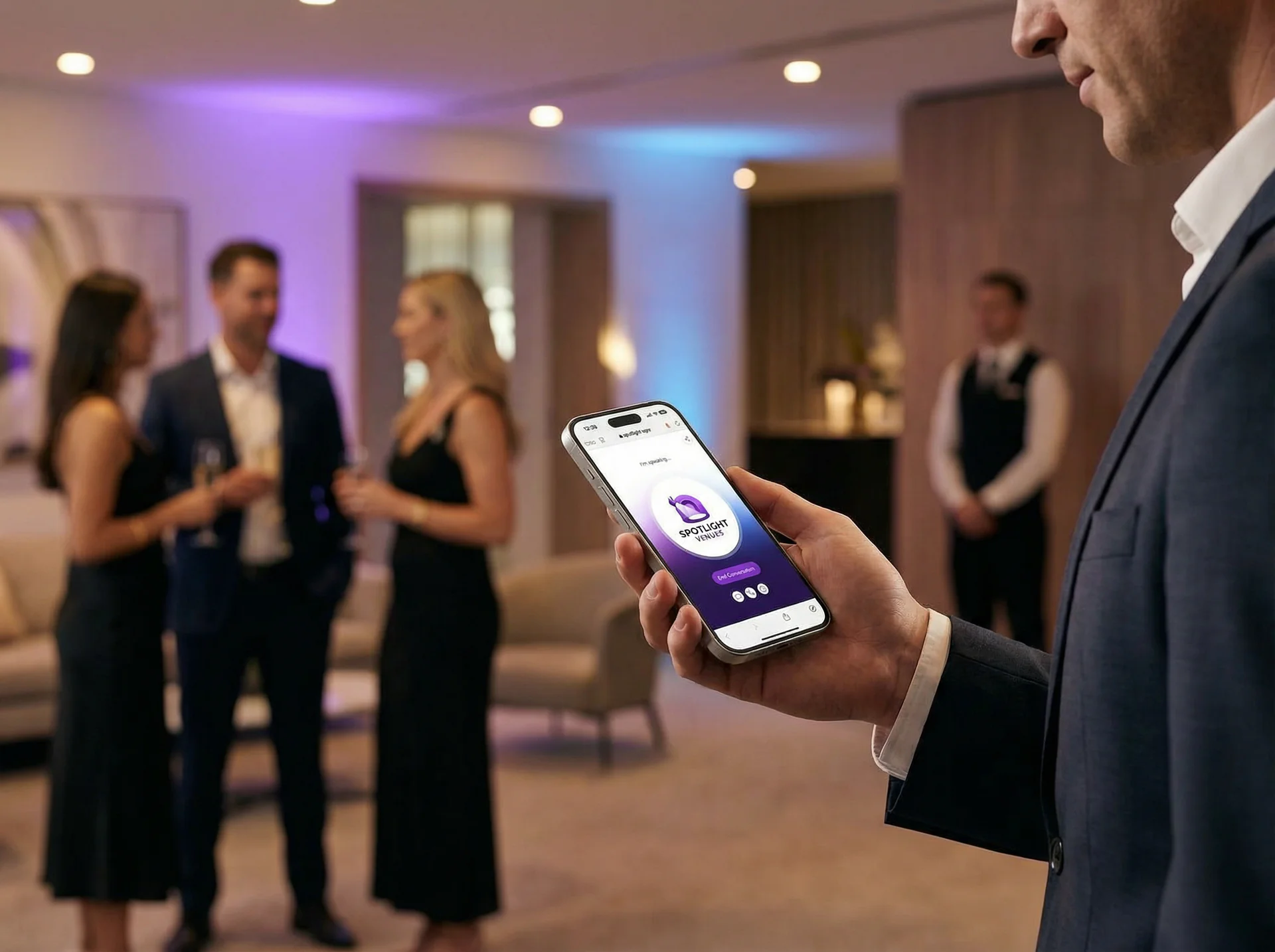
Vendor Coordination
Load-in times, setup details, guest counts, kitchen access — vendors get the info they need without calling the planner during crunch time.
Load-in schedules and logistics Final counts and setup requirements Venue access coordination Day-of vendor support line  API & Integrations
Connect Anything via Our API
One REST API for your own systems and an embeddable widget for any site. Your logic, our conversation engine.
One REST API
Manage genies, knowledge and leads from your own code with an API key.

Leads, Ready to Use
Every conversation becomes a lead with the transcript, a summary and the contact details, and your team gets an email.
Embed Anywhere
Drop a genie widget into any website, app, or kiosk with a single script tag or iframe.
AI agent compatible
 New
New
Our API is designed to work with the latest AI coding tools and agent frameworks. Build, extend, and automate Help Genie with the tools you already use.
Get your API key and start building in minutes
 Voice Genies
See What a Voice Genie Can Do
Tap any genie to try a live voice demo — or build your own in one click. Every genie is fully customisable to your business, your voice, and your workflow.
Voice Genies that manage tickets, coordinate vendors, and support attendees before, during, and after every event
 Talk to it
FAQ
Talk to it
FAQ
Common Questions
01Can the Genie handle event-day changes in real-time?
Yes. When you update the event schedule or details in the knowledge base, subsequent callers can receive the latest published information. If a performer is delayed or a room changes, your Genie can communicate that update to callers.
02How do attendees access the Genie during an event?
Place QR codes throughout your venue — at entrances, stages, food areas, and restrooms. Attendees scan with their phone to connect to your Genie for directions, schedule information, or help. No app download is needed.
03Can it handle different types of events — weddings, conferences, and concerts?
Absolutely. You can configure your Genie with event-specific knowledge for each event you run. Whether it's a black-tie wedding, a tech conference, or a music festival, the Genie adapts its tone and information to match.
04Can I customize how my Genie speaks and acts?
Absolutely. Choose from dozens of natural-sounding voices, set the tone — professional, friendly, or somewhere in between — define personality traits that match your brand, and customize greetings and conversation style.
05How do I add knowledge and keep it updated?
Upload PDFs, docs, or paste text directly — your Genie learns your business instantly. Update anytime and changes apply immediately. No technical skills required.
06How do I access my lead information?
Every conversation shows up in your dashboard as a lead, with the transcript, a summary and the contact details. Your team can get an email for every conversation, a daily or weekly digest, or only the ones that need a person.
07Can I transfer calls to a human?
Yes. When a caller asks for a person, your genie transfers them to the staff number you choose. The summary and transcript follow by email.
08Can I use my existing business phone number?
Yes. Your customers call the same number they always have. Forward it to your genie or move it across to Help Genie, so there is no need to change your business cards or website.
09Can I create a new phone number?
Yes. Pick a local number in the US, Canada, the UK, Australia or New Zealand. Most numbers are live in minutes, which suits new campaigns or locations.
10Can I be more present for my customers?
Absolutely. Generate QR codes that connect straight to your Genie, create stickers for storefronts, vehicles, or handouts, embed links in emails and signatures, and place your Genie anywhere your customers might need help.
 Learn More
Related Resources
Voice AI for Events: The Complete Guide
A complete guide to voice AI for event venues, planners and live shows. Capture dates, headcounts and tour bookings around the clock.
AI Venue Inquiry Qualification for Event Spaces
How The Venue Host voice genie qualifies event inquiries instantly, captures planning details, and routes serious prospects to your events team.
AI Dental Appointment Booking: Fill Chairs Without Missing Calls
Dental offices lose patients to voicemail mid-procedure. AI appointment booking answers every call, fills chairs, and cuts no-shows.
Wedding Venue Tour Scheduling: AI That Books 24/7
Couples book the first venue that schedules a tour. See how AI tour scheduling for wedding venues captures inquiries and books walkthroughs 24/7.
Help Genie Mail vs Shared Inbox and Help Desk Tools (2026)
A plain shared inbox, a ticketing help desk with an AI add-on, or Help Genie Mail. An honest look at which one fits a product business support inbox.
AI Follow-Up Calls vs Email Surveys vs Staff Call-Backs (2026)
Three honest ways to check in with customers after a sale, install or service visit, compared on reach, staff time, consistency and compliance.
 More Industries
Explore Other Industries
See how Help Genie transforms customer service across industries