

Voice AI for Equipment Hire and Dealers: The Complete Guide
How equipment rental firms and industrial dealers deploy voice genies for operating support, breakdown triage, parts lookup, and after-hours coverage.
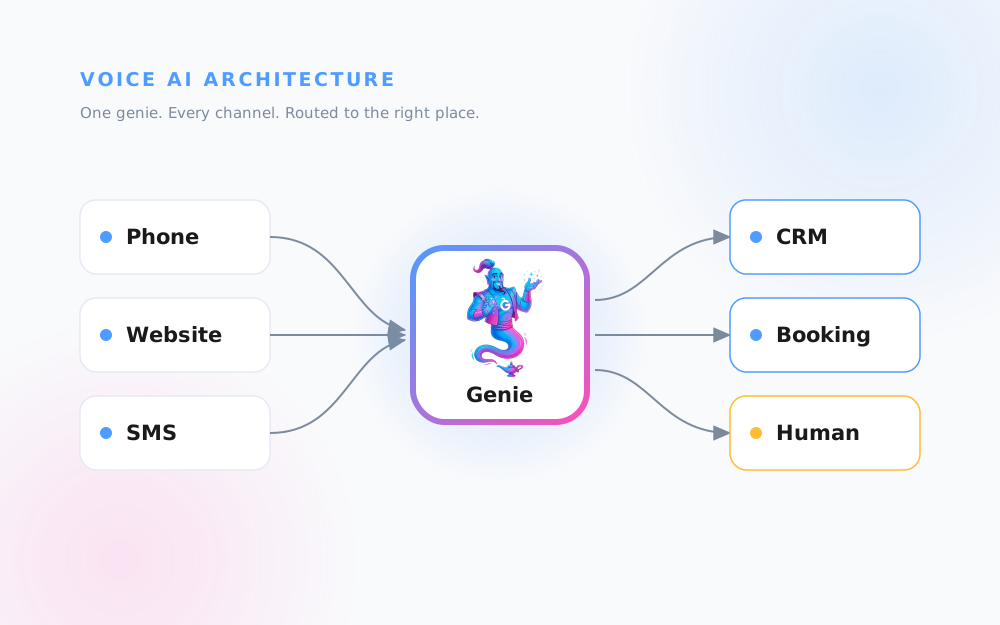
How Voice AI Works: The Architecture Behind a Voice AI Genie
A plain-English guide to voice AI architecture: how an AI receptionist routes calls, splits work with your team, covers a real day, and books every call.

Voice AI for Appliance Businesses: The Complete Guide
A complete guide to voice AI for appliance retail, repair, and electronics businesses covering missed calls, setup, warranty handling, and measuring ROI.

Voice AI for Automotive: The Complete Guide
How voice AI genies help auto dealerships, repair shops, and tire stores capture leads, book service, and route sales, service, and parts calls.

Voice AI for Events: The Complete Guide
A complete guide to voice AI for event venues, planners and live shows. Capture dates, headcounts and tour bookings around the clock.

Voice AI for Home Builders: The Complete Guide
How home builders, remodelers, roofers, and flooring pros use voice AI genies to capture every new-build, reno, and storm-season lead 24/7

Voice AI for Industrial Operations: The Complete Guide
How logistics, warehousing, and industrial equipment firms use voice AI genies to catch every shipment, parts, and service call around the clock.

Voice AI for Manufacturing: The Complete Guide
Voice AI for manufacturers explained. Handle RFQs, order-status calls, and after-hours enquiries without missing revenue or tying up your team.

Voice AI for Marine: The Complete Guide
A practical guide to voice AI for boat dealerships, marinas, and marine service shops, so you never miss a weekend enquiry or seasonal booking again.

Voice AI for Office Equipment Dealers: The Complete Guide
How copier dealers, managed print, and office tech firms use voice AI to answer service, supply, and contract calls 24/7 without missing revenue.

Voice AI for Real Estate: The Complete Guide
Voice AI for real estate. Capture buyer leads, schedule viewings, and triage tenant calls 24/7 with a branded voice genie for agents and managers.

Voice AI for Trades: The Complete Guide
Everything trades businesses need to put voice AI on the phones - after-hours emergencies, quote requests, triage, setup steps and real ROI.

Voice AI for Travel and Hospitality: The Complete Guide
A complete guide to voice AI for hotels, travel agencies, and tour operators. Capture bookings, answer guest questions, and cover every call 24/7.

How to Set Up Your First Genie for an HVAC Business
Get your HVAC voice AI live tonight. A step-by-step setup guide covering uploads, emergency triage, branding, deployment, and test calls.

How to Build a Knowledge Base From Your Existing Manuals
Turn your service manuals, PDFs, and FAQs into a voice AI knowledge base your genie answers from. Eight practical steps for trades, appliances, and more.
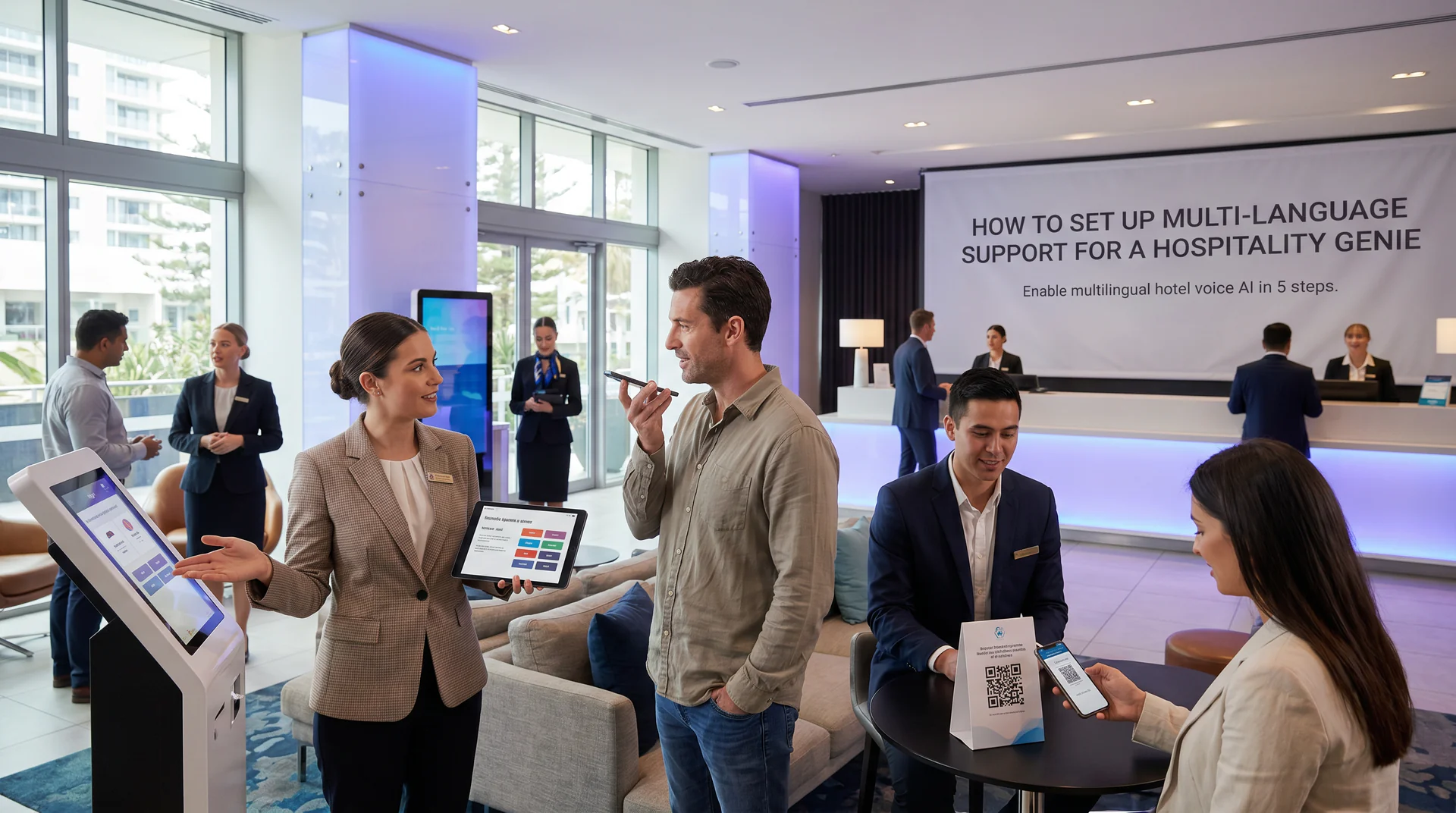
How to Set Up Multi-Language Support for a Hospitality Genie
Enable multilingual hotel voice AI in 5 steps. Help international guests get answers in their language, 24/7, across web, phone, and QR.

How to Pick Your Channel and Deploy Your Genie in 5 Steps
Pick the right channel for your genie in minutes. QR codes, phone, web widget, or email links. One genie answers on all of them.

How to Build a Settlement-Day Genie for Your Appliance Handover Pack
Turn 11 appliance manuals into one voice AI genie new homeowners actually use. Step-by-step guide for builders and appliance retailers.

How to Build a Support Function Checklist for Your Small Business Using Voice AI
A step-by-step support function checklist for small business owners who want their genie handling frontline queries 24/7 without growing headcount.

How to Compare the Real Cost of Voice AI for Trades Businesses
See exactly what a trades genie costs vs. missed calls, after-hours leads, and unanswered pricing questions. Five steps, beginner-friendly.
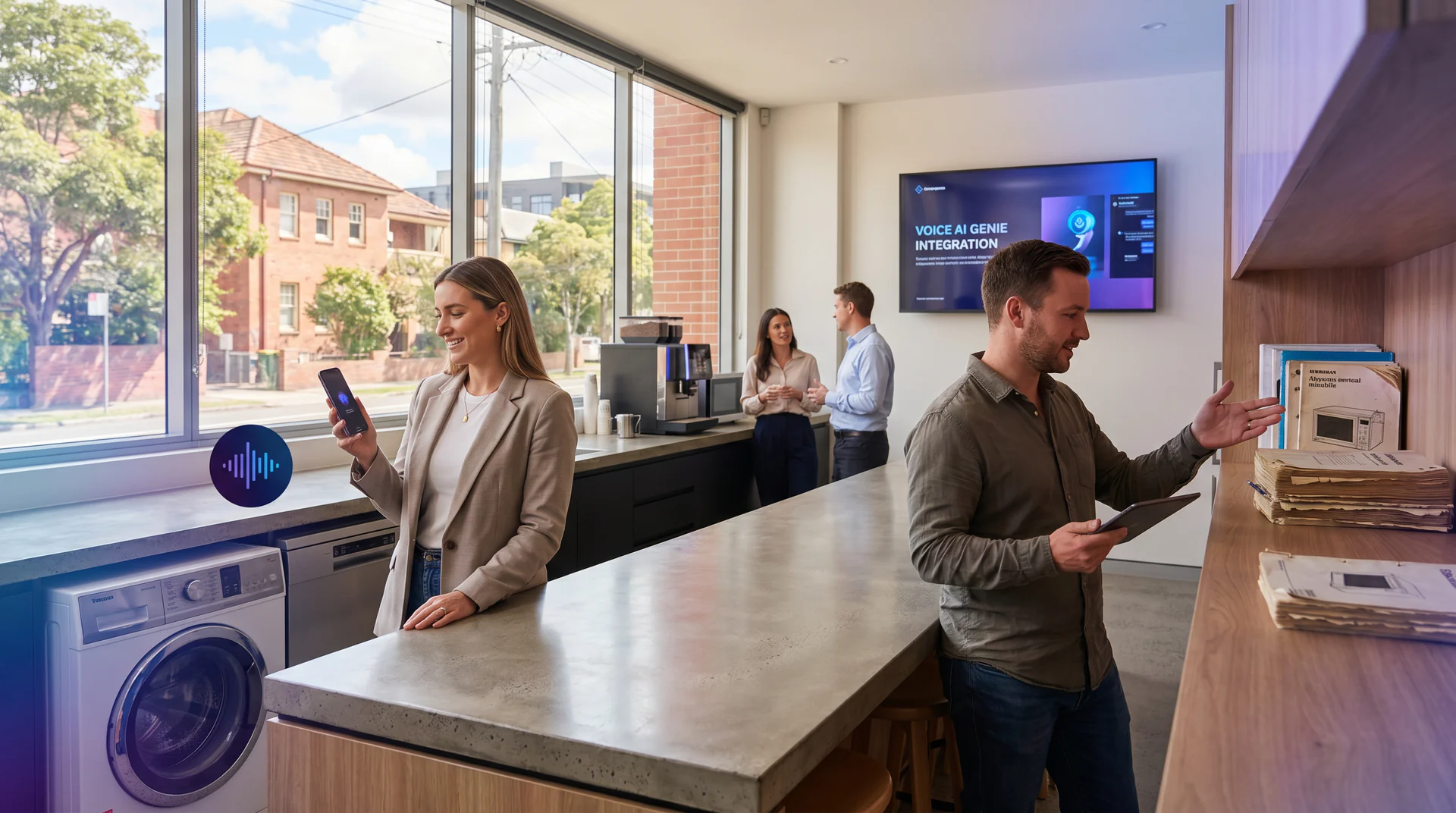
How to Turn Your Appliance Manual Into a Voice AI Genie (Before and After)
Learn how to replace a dusty appliance manual with a scannable voice AI genie that answers error codes and questions in seconds.

How to Build a Field Feedback Loop with Voice AI
Set up a voice AI genie that collects frontline intelligence daily. No forms, no tickets, no chasing. Built in under an hour.

How to Deploy a Voice AI Genie in Ten Minutes
A step-by-step beginner guide to launching a working voice AI genie for your small business. No developers, no long rollouts. Done before lunch.

How to Build a Settlement-Day Genie for Home Builder Handovers
Turn your appliance manuals into a scannable QR genie before settlement day. Five steps, no developers needed, live in under an hour.

How to Deploy a Genie Across Multiple Industries Using One Voice AI Platform
Learn how to set up a Help Genie voice AI agent for your industry in five steps. Works for trades, marine, home builders, real estate, events, and more.

How to Automate After-Hours Calls for Hotels
Step-by-step guide to setting up AI voice genies for hotel after-hours call handling. Handle reservations, guest requests, and concierge questions 24/7.
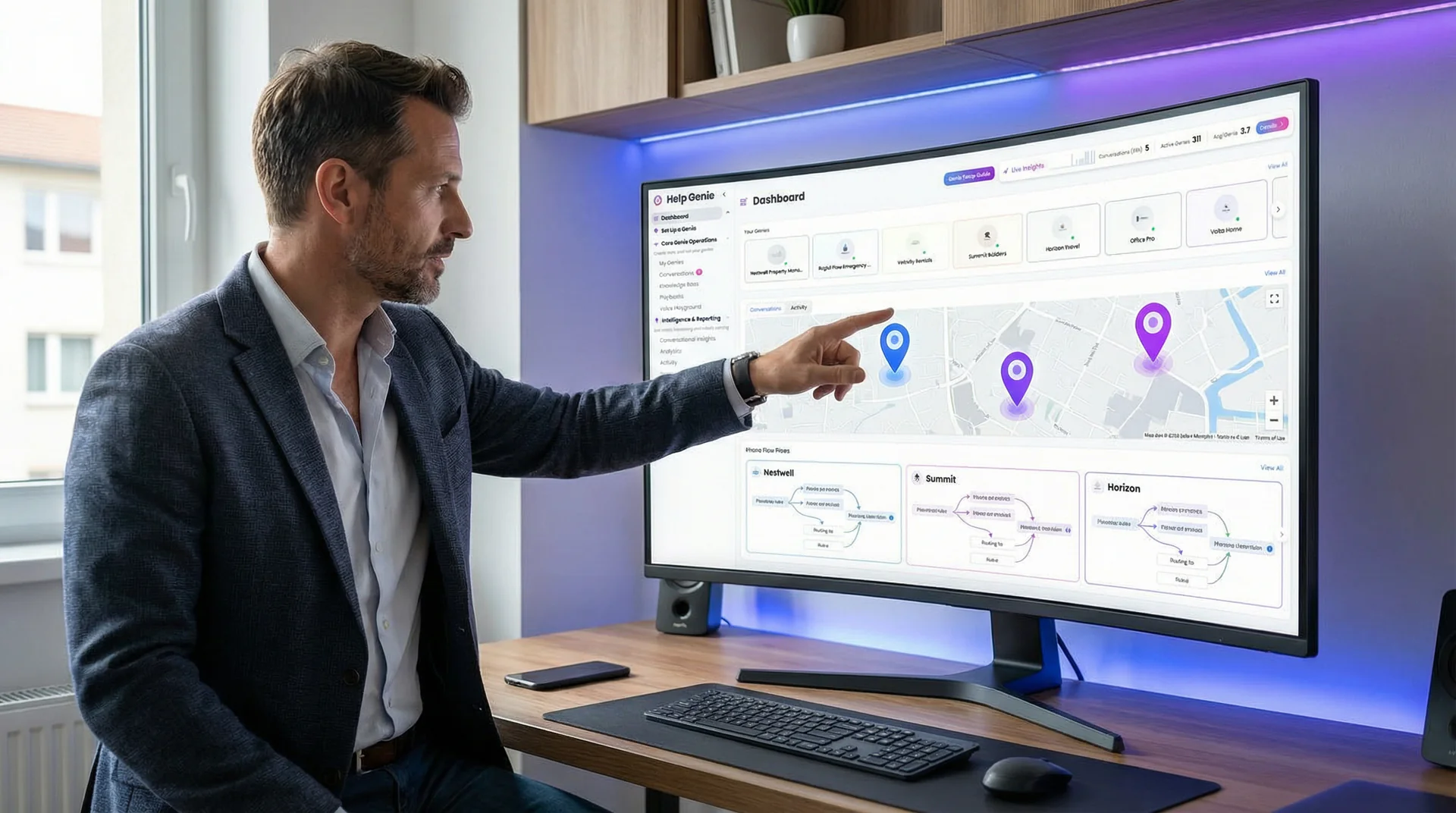
Route Calls Across Locations in 7 Steps (No Missed Calls)
Set up AI call routing for multi-location businesses in 7 steps. Route by area code, time zone, and department from one dashboard, for 2 to 10 sites.
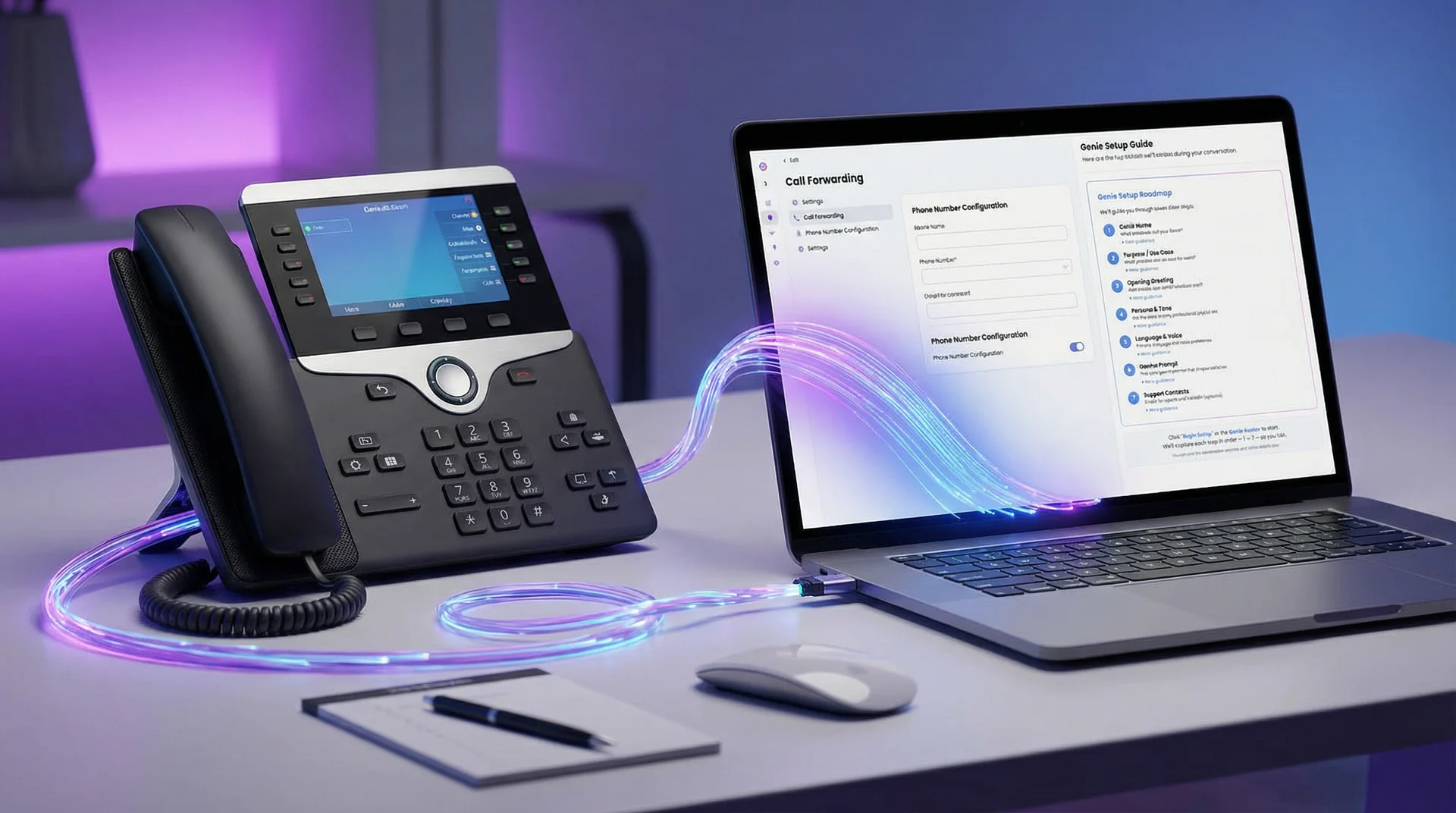
How to Integrate Help Genie with Your Phone System
Step-by-step guide to connecting Help Genie with your existing phone system. Covers VoIP, landlines, PBX, and cloud phone setups for any business.

How to Launch Faster with Help Genie Marketplace Templates
Skip the blank-slate setup. Browse the Help Genie Marketplace for pre-built voice genie templates, clone one for your industry, and customize it in minutes.

How to Customize Your Agent Page and Embed Your Voice Genie
Guide to branding your Help Genie agent page, generating QR codes, and embedding your voice genie on your website with JavaScript widgets or iframes.

How to Set Up Conversation Reports and Team Notifications
Configure Help Genie to send conversation reports and team alerts by email, after every call or as a daily or weekly digest, so your team never misses a lead.

How to Set Up Lead Capture Goals for Your Voice Genie
Step-by-step guide to configuring lead capture goals in Help Genie. Choose the right goal type, set up custom fields, and start collecting qualified leads from every call.

How to Train Your Voice Genie for Your Industry
Intermediate guide to training your Help Genie voice genie for industry-specific conversations. Build a knowledge base that handles real customer questions.