 Guide
Guide 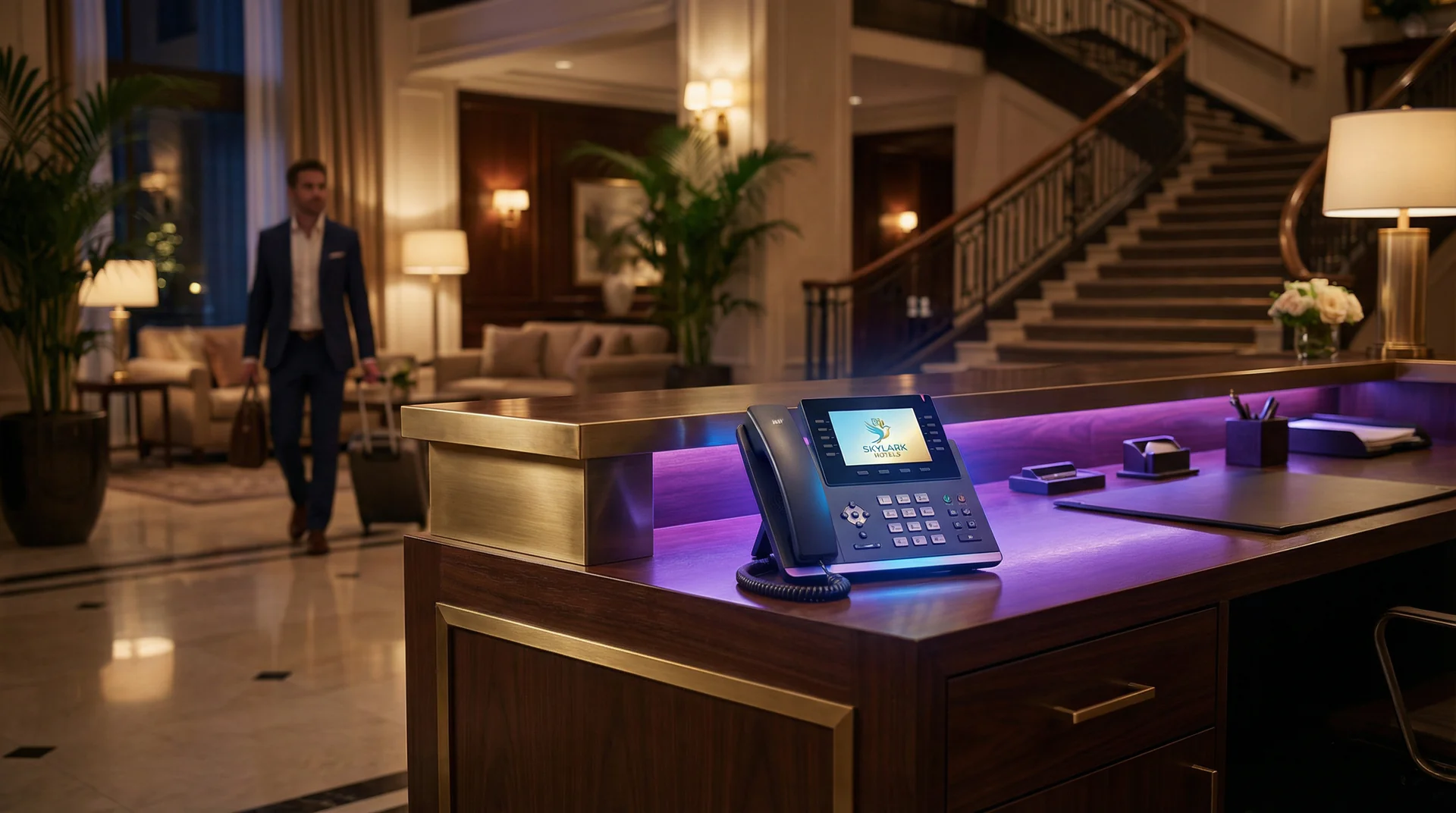
What you’ll learn in this guide:
- Why after-hours calls are a revenue opportunity hotels keep missing
- How to set up a voice genie that handles reservations, concierge questions, and guest requests
- Configuring time-based call routing that transitions smoothly between staff and AI
- Training your voice genie on room types, amenities, local recommendations, and policies
- Going live with a system that pays for itself in captured bookings
A couple in a different time zone finds your hotel on TripAdvisor at 11 PM your time. They call to ask about ocean-view availability for their anniversary next month. Your front desk closed at 10. They get a generic voicemail. They book somewhere else.
Hotels operate in a business where guests exist in every time zone, travel plans happen at odd hours, and the decision to book often hinges on a single phone call. Yet most properties still funnel after-hours calls to voicemail or a bare-bones answering service that can only take messages.
An AI voice genie changes this. It answers every after-hours call with the same warmth and knowledge as your best front desk staff. It can describe room types, share amenity details, provide local restaurant recommendations, and capture reservation requests for your team to confirm in the morning.
This guide walks you through the full setup for your hotel or resort. No technical background needed.
After-Hours Automation Setup
Step 1: Create Your Help Genie Account
Start by signing up at Help Genie. The free trial includes full access to all features, so you can test the entire after-hours experience before committing.
What to do:
- Go to helpgenie.ai and click “Get Started”
- Enter your name, work email, and create a password
- Verify your email
- Log in to your dashboard
What success looks like: You’re logged in and looking at your empty dashboard, ready to configure.
Step 2: Set Up Your Hotel Profile
Your hotel profile tells your voice genie everything it needs to represent your property accurately. Think of this as the training manual you’d give a new front desk hire.
What to do:
- Click “Settings” in the dashboard
- Enter your property name and location
- Select “Travel & Hospitality” as your industry, then “Hotels & Resorts” as subcategory
- Add your front desk hours (this is critical for after-hours routing)
- Enter your property address for direction inquiries
- Upload your logo for brand consistency
Why this matters: When a guest calls at midnight asking “How do I get to your hotel from the airport?”, your voice genie needs your address and local knowledge to give a useful answer instead of a generic “I can take a message.”
What success looks like: Your profile is complete with accurate front desk hours and property details.
Help Genie Tip: Be precise with your front desk hours. If your desk closes at 11 PM but the night auditor can handle basic requests until midnight, set your after-hours trigger for midnight. This prevents the AI from handling calls your staff could take.
Step 3: Choose Your Hotel Voice Genies
Help Genie offers several voice genies designed specifically for hotels and resorts. For after-hours automation, you’ll want to set up at least two.
Recommended after-hours genies:
-
The Virtual Concierge — Provides local recommendations, amenity information, and assistance during a guest’s stay. This is your after-hours all-rounder. When a guest calls from their room at midnight wanting a restaurant that’s still open, this genie handles it.
-
The Reservation Assistant — Handles new reservation inquiries, answers questions about room types and rates, and captures booking requests. This is where your revenue capture happens after hours.
-
The Guest Liaison — Handles special requests, accessibility needs, and celebration arrangements. Less critical for after-hours but valuable for guests planning ahead.
-
The Feedback Collector — Collects post-stay feedback. Not typically needed for after-hours but useful for checkout follow-up calls.
What to do:
- Navigate to the hotel genie marketplace
- Add The Virtual Concierge and The Reservation Assistant to your active genies
- Customize the greeting for each to include your property name
- Review the conversation flows and adjust to match your property’s tone
What success looks like: Both genies appear in your active list with personalized greetings that sound like your property, not a generic hotel.
Step 4: Train Your Voice Genies on Your Property
This is the step that separates a useful voice genie from a glorified voicemail system. The more property-specific knowledge you provide, the better the guest experience.
What to do:
- Open the “Knowledge Base” section in your dashboard
- Upload room type descriptions with rates, bed configurations, views, and square footage
- Add amenity details: pool hours, spa services, gym equipment, business center, parking
- Enter local recommendations: restaurants within walking distance, attractions, transportation options
- Add your policies: check-in/out times, cancellation policy, pet policy, resort fee details
- Include seasonal information: current promotions, events, holiday schedules
Training categories for hotels:
| Category | Examples |
|---|---|
| Room Types | Standard King, Ocean Suite, Family Room with rates and features |
| Amenities | Pool (open 7am-10pm), spa menu, fitness center |
| Local Area | Top 5 restaurants, airport shuttle info, nearby attractions |
| Policies | Check-in 3pm, checkout 11am, 48-hour cancellation |
| Current Promos | Weekend package, loyalty discounts, seasonal rates |
Why this matters: A caller asks “Do you have a room with a balcony for next Saturday? And is there a good Italian place nearby?” Your trained voice genie can answer both questions and offer to hold a reservation. An untrained one says “Let me take your number.”
What success looks like: Test by asking your voice genie about specific room types, amenities, and local restaurants. It should answer accurately and conversationally.
Property Knowledge Layers
Step 5: Configure Time-Based Call Routing
This is where the “after-hours” magic happens. You’re building a system that seamlessly hands calls from your front desk staff to your voice genie and back again, every day, without any manual switching.
What to do:
- Go to “Call Routing” in your settings
- Set your front desk operating hours for each day of the week
- Configure during-hours behavior: calls ring your front desk first, voice genie handles overflow if nobody answers within 4 rings
- Configure after-hours behavior: voice genie answers immediately, handles the full conversation, captures reservation requests, and sends a summary to your morning team
- Set up emergency routing: maintenance emergencies, safety issues, and locked-out guests route to your night manager’s direct line
- Enable email digests: your morning front desk team gets a summary of every after-hours call and any pending reservation requests
The handoff schedule for most hotels:
| Time Period | Who Handles Calls | Voice Genie Role |
|---|---|---|
| 7 AM - 11 PM | Front desk staff | Overflow backup (picks up after 4 rings) |
| 11 PM - 7 AM | Voice genie | Primary handler with emergency escalation |
| Holidays | Voice genie with skeleton staff | Primary handler, routes urgent to on-duty manager |
Why this matters: The transition between human and AI needs to be invisible to the caller. A guest calling at 10:55 PM and a guest calling at 11:05 PM should both have equally good experiences, even though different systems are handling them.
What success looks like: Call your hotel number during configured after-hours. The voice genie answers smoothly, can answer property questions, and captures your information if you request a reservation.
Help Genie Tip: Don’t set after-hours to start the second your front desk closes. Add a 15-minute buffer where both your staff and the voice genie can handle calls. This catches those “just made it” callers who reach your desk right at closing.
Step 6: Go Live and Monitor
Time to connect your phone system and start capturing those after-hours calls.
What to do:
- Get your Help Genie phone number from your dashboard (Settings > Phone)
- Contact your phone system provider (or access your PBX settings)
- Set up time-based call forwarding to your Help Genie number during after-hours
- For hotel PBX systems: your IT team can configure conditional forwarding based on time schedules
- For cloud phone systems (RingCentral, 8x8, Vonage): use the built-in time-based routing to forward after-hours calls
- Make test calls at different times to verify the routing works
- Monitor the first 3 nights of calls in your dashboard
What success looks like: During business hours, calls reach your front desk normally. After hours, calls seamlessly transfer to your voice genie, which handles them professionally and sends summaries to your team.
Troubleshooting Common Issues
Voice genie can’t answer questions about specific room availability This is expected for real-time availability. Train your voice genie to say “Let me capture your preferred dates and room type, and our reservations team will confirm availability first thing in the morning.” Capturing the request is the goal, not live booking.
Guests are frustrated they can’t reach a human Add a clear escalation path. Your voice genie should say “If this is an emergency or you need immediate assistance, press 1 and I’ll connect you to our night manager.” Make sure that routing is configured in Step 5.
Morning team is overwhelmed with after-hours summaries Use the priority tagging in Help Genie. Reservation requests should be flagged as high priority, general inquiries as normal, and informational calls as low. This lets your team triage the morning inbox quickly.
Call forwarding drops or doesn’t activate Work with your PBX provider to set up redundant forwarding. Most hotel phone systems support backup forwarding rules. If the primary forward fails, have a secondary rule that sends to your Help Genie number.
Voice genie mispronounces your property or local place names Use the pronunciation guide in your voice genie settings. You can spell out phonetic pronunciations for proper nouns. “Chateau Beaumont” becomes “shah-TOH BOH-mont” in the pronunciation field.
What to Do After Going Live
First 3 nights: Review every after-hours call transcript. Note any questions your voice genie couldn’t answer well and add that knowledge.
First 2 weeks: Track how many reservation requests are captured after hours. Calculate the revenue those represent. Most hotels find that after-hours voice genies pay for themselves within the first month from captured bookings alone.
Ongoing: Update your knowledge base seasonally with new rates, promotions, and local event information. Consider adding The Guest Liaison to handle special requests and celebration planning calls that come in after hours.
For properties looking at broader AI adoption across the guest experience, explore the full Travel & Hospitality voice genie collection. You can also read about how other hotels are using AI in our article on AI concierge for hotels and guest experience.
Ready to stop losing bookings to voicemail? Set up after-hours automation for your hotel today and start capturing every late-night reservation request.
Keep exploring
Further reading and useful tools
AI Reservation Booking for Hotels and Resorts
How The Reservation Assistant voice genie handles booking inquiries 24/7, answers rate questions, and converts browsing callers into confirmed guests.
GuideVoice AI for Travel and Hospitality: The Complete Guide
A complete guide to voice AI for hotels, travel agencies, and tour operators. Capture bookings, answer guest questions, and cover every call 24/7.
Use CaseThe Property Manager Who Stopped Answering the Same Question 28 Times a Week
Voice AI for property management handles tenant and owner queries automatically, so your team only deals with what needs a human.
BlogAI Trip Inquiries for Travel Agencies
Travel agents lose leads when busy with existing clients. Learn how AI handles trip inquiries, collects preferences, and delivers qualified leads to your desk.
GuideHow to Set Up Multi-Language Support for a Hospitality Genie
Enable multilingual hotel voice AI in 5 steps. Help international guests get answers in their language, 24/7, across web, phone, and QR.
Industry InsightsThe 2026 State of AI in Hospitality Report
Data-driven analysis of AI adoption across hotels, restaurants, and event venues with benchmarks on guest satisfaction and booking rates.

Help Genie
The Help Genie Team
The Help Genie team builds voice AI genies that resolve everyday support on their own — across phone, chat, web, and email — in your voice, 24/7. We write about what we learn shipping it to real businesses.
Building voice AI for 11+ industries, from trades to hospitality.
- voice AI
- customer support
- lead capture
- multi-channel genies