 Use Case general
 The JSEA SWMS Library That Answers Workers Directly
See how a voice AI genie gives workers the right SWMS version at 7am before a hot work task, without waiting for the supervisor.
 Help Genie
 7:02am. The Task Is Hot Work. The Right Document Is Somewhere in a Library of 400.
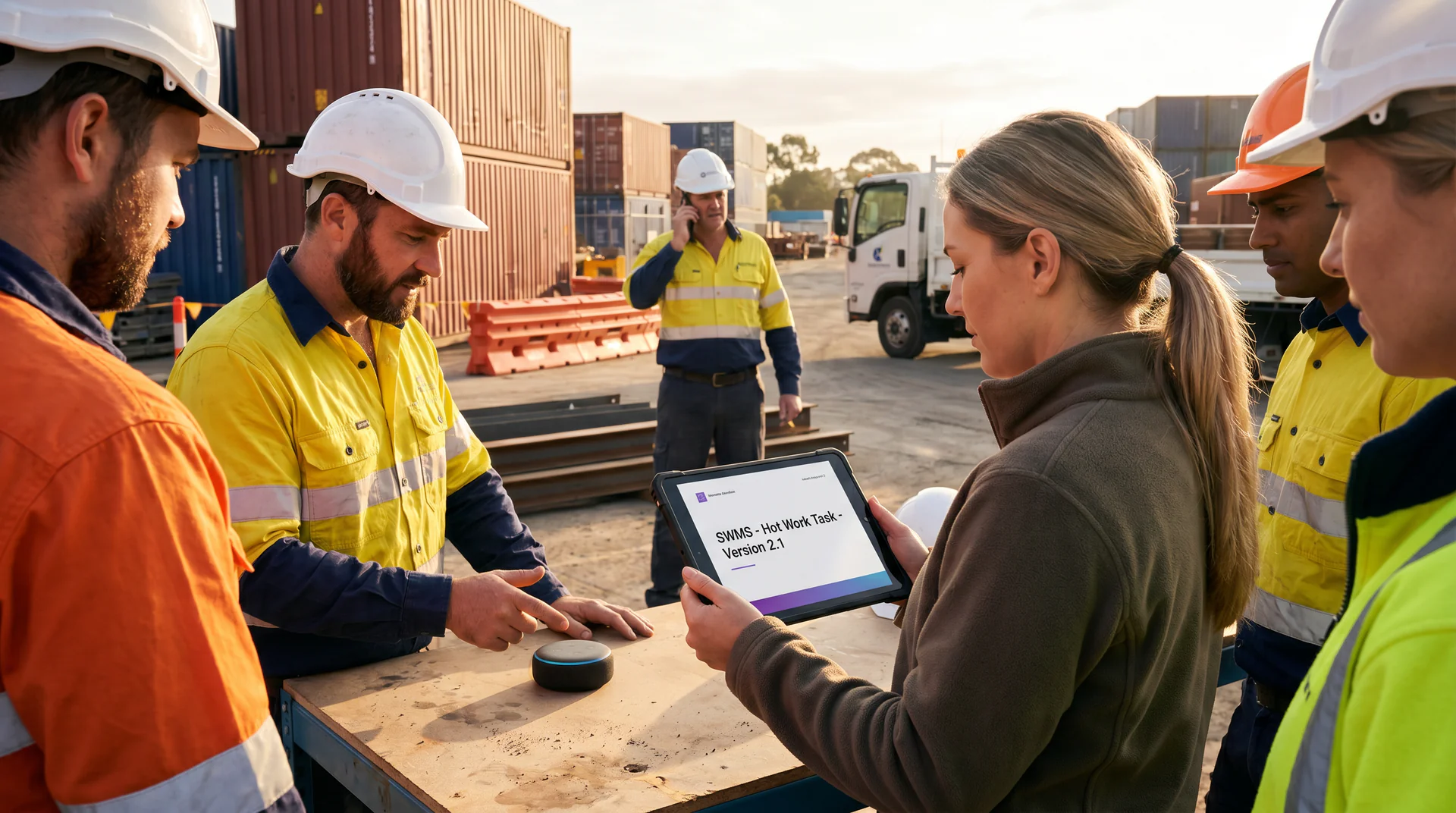
The worker is gloved up and ready to start. The task today is hot work near a pressurised line in zone 3.
By law and by company policy, they need the right Safe Work Method Statement before they begin. The site library has 400 of them. SWMS for confined space. SWMS for hot work. SWMS for hot work near pressurised systems. SWMS for hot work near pressurised systems version 4.2, which superseded version 4.1 last month after an incident at another site.
The site supervisor is supposed to brief them. The site supervisor is currently on the radio dealing with a delivery truck that’s blocked the access road.
The foreman hands the worker a SWMS. It’s the wrong one. Or it’s an outdated version. Or it’s the right one but the worker signs without reading because the foreman is busy and the job is already running late.
That’s the real situation in sites across Australia, New Zealand, and the UK every single morning. Not a malicious failure. A structural one. The right document exists. Getting it to the right worker at the right moment requires a human in the middle, and that human is almost always unavailable.
If something goes wrong, this becomes a regulator’s problem and a court’s problem. If nothing goes wrong, the paperwork still doesn’t reflect what actually happened.
The Gap. It’s Not the Library. It’s the Bottleneck.
Most sites have invested real time building their JSEA and SWMS library. The documents are there. They cover the right hazard categories. They’ve been reviewed and updated. Some have gone through multiple revisions after near-misses or incidents at other sites.
The problem is access. Workers can’t query the library directly. They can’t search it in plain language. They don’t know whether the document the foreman handed them is version 4.1 or 4.2. They can’t read it in Tagalog, Mandarin, or Portuguese if English isn’t their first language.
So the supervisor becomes the single point of failure. Every SWMS question, every JSEA lookup, every “is this the right version?” passes through one overloaded person. On a complex site, that person might be managing 20 workers, a subcontractor delivery, and a safety walkthrough simultaneously.
The worker ends up with a document they didn’t choose, may not have read, and can’t verify is current. The signature on the form means something legally but very little practically.
This is the compliance gap that voice AI closes. Not by replacing the supervisor. By giving workers direct access to the library the supervisor was always pointing them toward.
How the Genie Handles It
A genie reads the entire SWMS and JSEA library. Every document. Every version. Every control listed against every hazard.
Here’s what the interaction looks like in practice.
Step 1: The worker opens the genie on their site phone.
No app download. No login portal. No SharePoint folder buried four clicks deep. The genie is accessible via a QR code posted at the site office or tool store, or via a direct link on the company’s safety portal. The worker opens it the same way they’d open any browser link.
Step 2: The worker describes the task in their own words.
“I’m about to start hot work on the riser line in zone 3.”
That’s it. No search bar. No document code. No need to know whether the document they need is classified under “hot work” or “pressurised systems” or both. The genie understands the task description and cross-references it against the knowledge base.
Step 3: The genie returns the current version of the right document.
Not a list of 12 possible matches. Not a PDF that takes 40 seconds to load. The genie surfaces the current version, confirms the version number, and presents the key controls in plain language. The worker hears or reads the actual hazard controls relevant to their task.
If version 4.2 superseded 4.1 last month, the genie only knows 4.2. Outdated documents aren’t in the knowledge base. That’s a configuration choice made once by the safety team, not a daily admin burden.
Step 4: The genie delivers the content in the worker’s language.
Help Genie supports 40-plus languages. A worker whose first language isn’t English gets the same SWMS controls delivered in the language they think and work in. This isn’t a luxury feature on a construction or industrial site. It’s a basic safety requirement that almost no SWMS library currently meets.
Step 5: The interaction is logged.
This is where compliance stops being a paperwork pantomime and starts being an evidence trail.
The log records which worker accessed the genie, at what time, and which exact version of which document was served. If a regulator asks six months later whether the worker was briefed on the correct SWMS before starting the task, the answer is yes, and here is the timestamp and the document version.
That’s not a small thing. In a regulator investigation or a court proceeding, the difference between “we have a signed form” and “we have a timestamped record of the exact document served to this worker at 7:02am” is significant.
What This Changes for the Supervisor
The supervisor doesn’t get removed from the process. They get freed from being the bottleneck in it.
Routine document retrieval, version confirmation, and language access are handled by the genie. The supervisor can focus on what requires human judgment: the site walkthrough, the tool check, the conversation with the subcontractor who doesn’t quite understand the exclusion zone.
Sites that have reduced the administrative load on supervisors through better information systems have seen supervisor attention improve on physical hazard management. That’s where experience actually adds value. Not as a document librarian.
The Numbers This Addresses
Specific figures vary by site size and industry. But the underlying patterns are consistent across construction, industrial maintenance, and oil and gas sectors.
On a mid-sized construction site with 50-80 workers, the safety supervisor might field 15-30 SWMS-related questions per morning. That’s a conservative estimate across briefings, version checks, and language requests.
If each interaction takes 4-6 minutes of supervisor time, that’s 60-180 minutes of supervisor time every morning before work has properly started. Time spent on document retrieval instead of site safety.
The genie handles those routine lookups in under 60 seconds. The supervisor still owns the high-stakes conversations. They just don’t own every paperwork query.
For small businesses managing a JSEA and SWMS library without a dedicated safety officer, the picture is even clearer. The business owner or site lead is the safety system. Every document question lands on them. The genie becomes the first line of reference, and the business owner becomes available for the work that needs them.
What Needs to Be in the Knowledge Base
The genie is only as good as the library it reads. That sounds obvious but it matters.
The knowledge base needs:
- Current versions of all SWMS and JSEA documents, labelled clearly with version numbers and effective dates
- Superseded versions removed or flagged inactive so the genie doesn’t surface outdated controls
- Plain-language summaries of key controls per task type, if the original documents are dense or technical
- Any site-specific amendments or addenda attached to the relevant parent document
Uploading the library takes one session. Help Genie accepts PDFs, Word documents, and website content. A safety manager or compliance coordinator can have the knowledge base built in an afternoon. After that, keeping it current means updating documents when they change, the same way you’d update a shared drive, except the genie immediately reflects the new version.
This Is Not Just for Large Sites
The JSEA SWMS library challenge isn’t exclusive to tier-one contractors. Small businesses in trades, maintenance, and industrial services face the same problem at smaller scale.
A plumbing contractor with 12 workers and a library of 80 SWMS documents still needs every worker to access the right one before starting a confined space entry or a hot works task. The risk doesn’t scale down just because the team is smaller.
For small business operators, a voice AI genie that reads the full SWMS library and serves the right document on demand is not a luxury. It’s a practical solution to a compliance requirement they currently meet with paper folders, WhatsApp messages, and a lot of trust that the worker grabbed the right version.
The Library Was Always the Answer
Workers just couldn’t get to the right document in the right minute without the supervisor as the bottleneck.
That’s the problem the genie solves. Not safety management. Not risk assessment. Not replacing the humans who understand the site. Just document access, in the right language, at the right time, with a log that proves it happened.
Your SWMS and JSEA library is probably already audit-ready. The documents exist. The controls are written down. The versions are tracked.
Now let’s get the library answering workers directly.
See how Help Genie works for your site at /explore, or run the numbers for your team at /roi-calculator.