 Use Case general
 How a Voice AI Genie Keeps Your Whole Event Week Team on the Same Page
Event week is chaos. The event week genie gives 300 staff instant answers from one live knowledge base. No radios, no bottlenecks, no wrong info.
 Help Genie
 It’s 2pm on Event Day. Nobody Knows Anything.
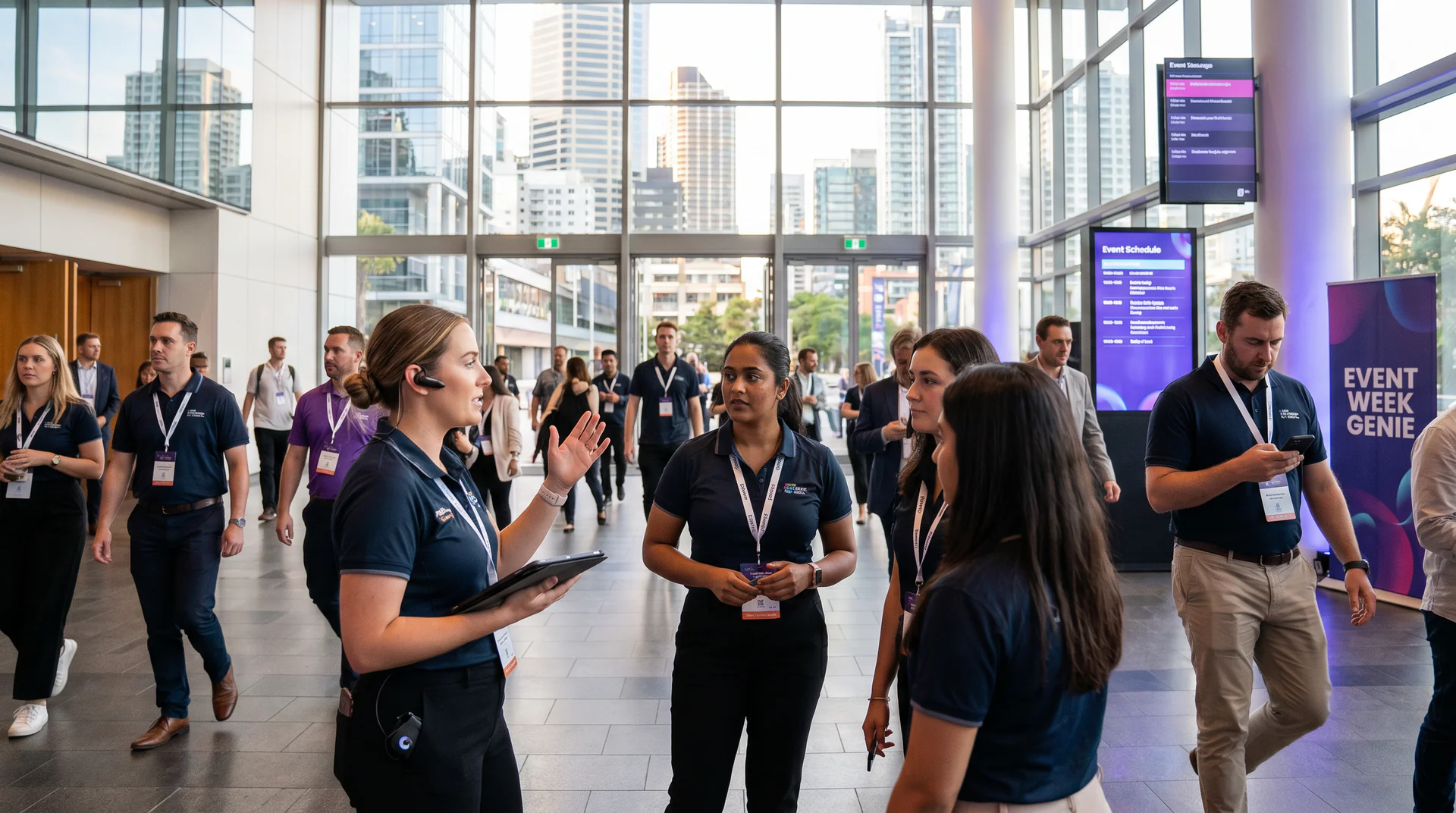
Picture this. You’re two hours from doors opening. You have 300 people on site. Half of them are casuals who joined the crew three days ago. The run sheet changed yesterday. The VIP list changed this morning. The catering swap from chicken to salmon happened at noon and the kitchen still has the old briefing printed and taped to the wall.
Your radio crackles. Someone’s asking about load-in timing. Then parking. Then whether the dietary list accounts for the head sponsor’s table. Then where the safety officer is stationed.
Every call goes to the same four people. Those four people are already running late on their actual jobs. And because they’re exhausted, each one is giving a slightly different answer based on whatever version of the run sheet they last read.
This is how events limp. Not because the planning was bad. Because the information doesn’t move fast enough when it counts.
The event week genie was built exactly for this.
The Gap: Too Many Questions, Too Few People With the Right Answers
Event week is brutal in a specific way. The chaos isn’t random. It’s structured around information not reaching the right people at the right time.
You have the right documents. The run sheet exists. The VIP list exists. The dietary requirements, the parking map, the safety briefing, the radio call sheet. All of it lives somewhere. The problem is that “somewhere” is different for every person on your crew.
Some have the version from Monday. Some have the PDF the production manager texted at 6am. Some have nothing and are just asking whoever’s nearest.
So your senior staff become walking FAQs. They field 80 questions each across a 12-hour day. By mid-afternoon, the answers start drifting. Not because those people are incompetent. Because humans get tired, and their recall of a document that changed twice today isn’t perfect.
The result is a floor full of staff making judgment calls based on incomplete or outdated information. A guest gets the wrong seating. A dietary requirement gets missed. A VIP arrives and the door team doesn’t recognise the name because they’re working from yesterday’s list.
None of these failures are catastrophic on their own. Together, they define the difference between an event that runs and an event that limps.
How the Event Week Genie Handles It
The setup is straightforward. Before the event, you drop every key document into a single genie.
The run sheet. The VIP list. The parking map. The dietary and allergy requirements. The radio call sheet. The safety briefing. Whatever your team needs to do their jobs without interrupting yours.
You share the link with every staff member. QR code on the briefing pack works well. They can access it on their phone, no app required.
Then the genie handles the questions.
Step 1: Staff Ask Anything, Instantly
Instead of radioing a coordinator, a casual crew member pulls out their phone and asks the genie. “What time does the main stage load-in finish?” “Which entrance does the VIP shuttle use?” “Is there a nut-free menu for table 14?”
The genie reads from the knowledge base and answers immediately. It doesn’t get tired. It doesn’t give a different answer to the seventh person who asks the same question.
Step 2: The Knowledge Base Stays Live
This is the part that matters most during event week. Documents change constantly. The run sheet that was accurate at 8am has been updated twice by lunch.
When your production team updates the document at 2pm, the genie’s answers at 2:01pm reflect the new version. Every staff member who asks after that update gets the current answer, automatically.
No re-briefing. No reprinting. No one wondering which version they’re working from.
Step 3: Senior Staff Get Their Time Back
This is where the event week genie changes the floor dynamic. When staff have a reliable place to ask questions, they stop escalating everything up the chain.
The four people who used to field 400 questions between them are now running their actual roles. They’re making decisions, managing talent, handling genuine escalations. Not explaining for the fifteenth time where the production office is.
The radios go quiet. Not completely, but enough. The noise that was eating your team’s focus drops back to what it should be: real problems that need human judgment, not information retrieval.
What This Looks Like in Practice
Consider a multi-day corporate conference. Around 200-300 staff across venue, catering, AV, and security. Four senior coordinators carrying the knowledge load.
Without a centralised genie, each coordinator might field 80-120 information queries across a 10-hour day. That’s a realistic estimate based on the ratio of staff to information sources at events that size. When you account for two to three document updates per day, a meaningful share of those queries will generate inconsistent answers.
With the event week genie deployed, that query load shifts. Staff ask the genie first. Questions that would have gone to a coordinator now resolve in seconds on a phone screen.
The coordinators still get questions. The hard ones. The judgment calls. The situations where something has gone wrong and a human needs to make a decision. That’s exactly what they should be handling.
The catering team gets the dietary update at 2pm without a chase call. The door team has the current VIP list before the first car arrives. The casual who started Tuesday knows where to direct a media crew without finding someone to ask.
Industry estimates suggest that event operations with centralised digital briefing tools can cut internal communication overhead by 30-40% during peak day-of operations. That figure aligns with what Help Genie customers describe when they reflect on event week deployments.
This Isn’t Just for Large Events
The event week genie scales down, not just up.
A small business running a product launch with 20 staff faces the same structural problem. The information exists. It just doesn’t reach everyone reliably. A genie with the run sheet and FAQs loaded gives every person on that team a consistent source of truth.
A wedding venue coordinating across a catering team, AV crew, and front-of-house staff has the same challenge. The dietary list changes the morning of. The timeline shifts because photos ran late. One updated document in the genie, and the whole team is working from the same reality.
The event week genie for small business doesn’t require IT support or a technical setup. You upload the documents, share the link, and it’s live. That’s the model.
What Goes in the Knowledge Base
You don’t need to over-engineer this. The documents you already have are the knowledge base.
The core set for most events:
- Run sheet (the current version, updated as it changes)
- VIP and guest list
- Seating and venue map
- Dietary and allergy requirements by table or group
- Parking and logistics information
- Safety and emergency briefing
- Radio and communication protocols
- Staff role assignments and contact list
If you have it in a PDF, a doc, or a spreadsheet, it can go in. The genie reads it and answers questions from it. You’re not writing scripts. You’re not building a FAQ manually. You’re uploading what already exists.
You can also add quick FAQs for the questions you know will come up. “What time does the bar close?” “Where is the first aid station?” “Who approves media access?” Five minutes of pre-work saves 50 radio calls.
The Difference Between Running and Limping
Events don’t fall apart because of one big failure. They degrade through a hundred small information gaps.
The wrong person gets waved through because the door team’s VIP list is from yesterday. The kitchen sends out the old menu because no one caught the update in time. A media crew waits 20 minutes because the staff member they found didn’t know who to call.
Each one is small. Together, they define how the day feels.
The event week genie closes those gaps. Not by replacing your team’s judgment. By making sure that when they need information, they get the right version of it, instantly, without pulling someone away from something more important.
Your senior people do their jobs. The radios stay quiet. The event runs.
Ready to see how the event week genie works for your next event? Visit /explore to build your first genie, or check out what Help Genie does specifically for events and live experiences.