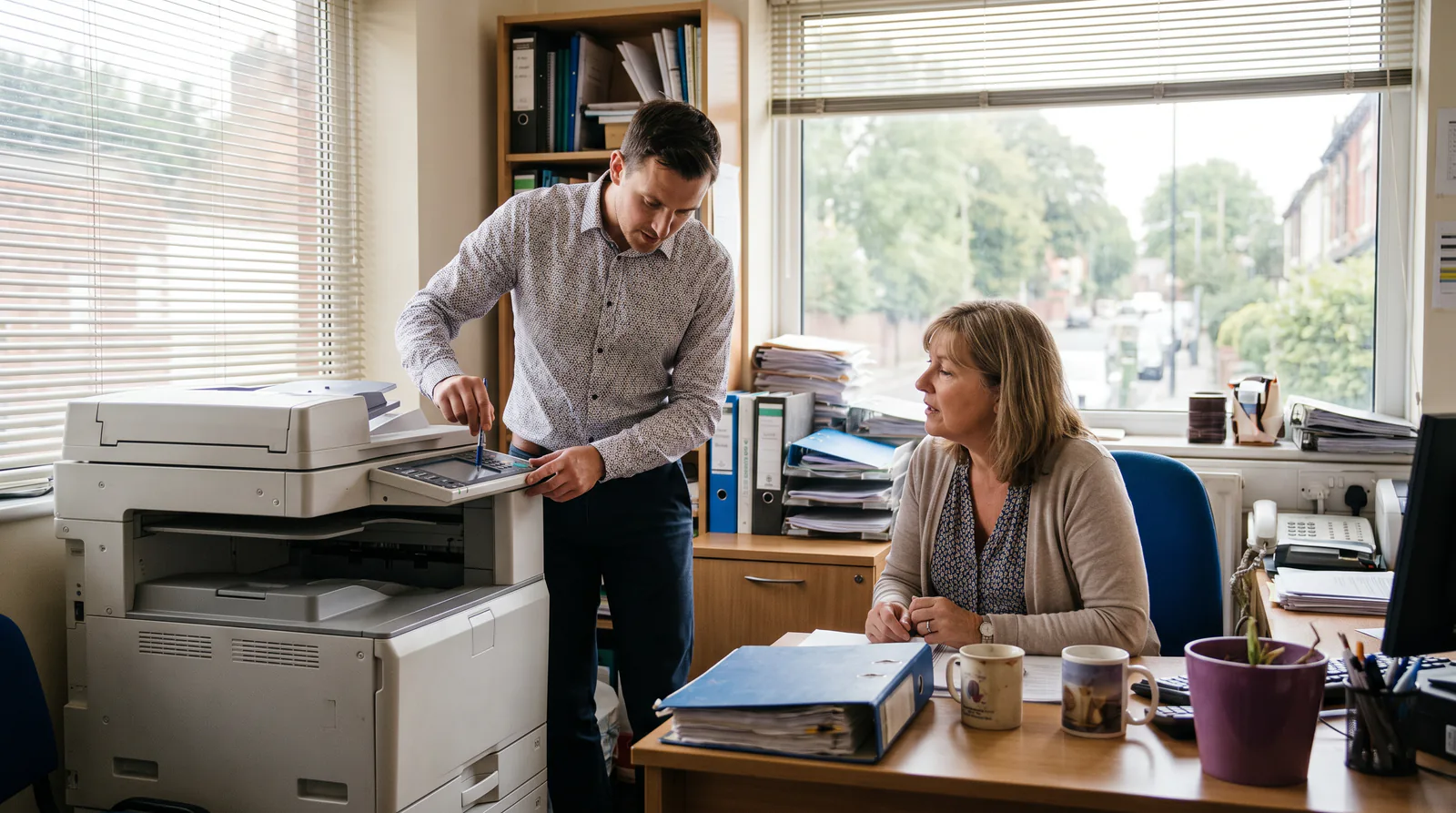
How to Run an Office Equipment Demo That Actually Wins the Sale
A practical guide to running office equipment demos for small businesses, including how voice AI can help you book more of them.

What Makes an Office Equipment Demo Actually Work
An office equipment demo is a live or virtual walkthrough of a copier, printer, or multifunction device that shows a prospective buyer exactly how it fits their workflow. Done well, it shortens the sales cycle by 30 to 50 percent compared to brochure-only selling. Done poorly, it wastes the rep’s time and the prospect’s patience.
The section below covers what separates a demo that closes from one that stalls, plus how small businesses are using voice AI to book more demos without adding staff.
Why Office Equipment Demos Matter More Than They Used To
Buying a copier or multifunction printer is not an impulse purchase. A business spending anywhere from $3,000 to $30,000 on a device wants to see it run before signing. They want to know print speed is real, not just spec-sheet marketing. They want to see the scanning workflow, the cloud integration, and yes, the paper jam recovery.
But there’s a problem on the seller’s side. Most small-to-mid-size office equipment dealers run lean. One or two reps handle a territory. When a prospect calls at 6pm wanting to book a demo, nobody picks up. The lead goes to the next name on their Google search.
That’s the gap this guide addresses.
The Anatomy of a Strong Office Equipment Demo
1. Qualify Before You Book
The biggest time-waster in office equipment sales is running a full demo for someone who can’t approve the purchase. Before the demo is even scheduled, you need three answers.
Who signs off on the purchase? How many pages per month does the business currently print? And what’s their current pain point, speed, cost-per-page, or service downtime?
A rep who walks in knowing the answers to those questions can tailor the demo in 10 minutes. A rep walking in blind spends 20 minutes figuring out what matters and loses the room.
2. Match the Device to the Use Case
A 20-page-per-minute color laser is the right demo machine for a marketing agency. It’s the wrong machine for a logistics company that prints black-and-white shipping labels at high volume.
Show the wrong device, even if it prints beautifully, and you’ve created doubt. The prospect wonders what else you got wrong.
If you’re running an office equipment demo for a small business, resist the urge to show your flagship unit first. Start with the device that matches their stated volume and budget. Upsell from there if the conversation earns it.
3. Make the Demo Interactive, Not Theatrical
The worst demos look like a product launch. The rep talks. The machine does tricks. The prospect nods politely and asks for a quote sheet.
The best demos put the device in the prospect’s hands inside the first five minutes. Let the office manager scan a document. Let the IT lead pull up the admin console. Let the CFO see the cost-per-page calculation on their current monthly volume.
4. Handle Objections at the Machine
“The lease payment feels high.” Walk them to the cost-per-page comparison right there at the device. Show them what they’re paying now versus what they’d pay with the new unit.
“We had a terrible experience with our last service contract.” Pull up your average response time data on your tablet. Show them your local technician coverage. Don’t promise. Show.
Objections handled at the machine, during the demo, are much easier to resolve than objections handled over email three days later.
5. Close With a Clear Next Step
Every demo should end with a specific ask. Not “let us know what you think.” Instead: “I can have a proposal to you by Thursday. Should I send it to you or to your CFO directly?”
Give them one decision to make, not five. The goal of the demo is not to answer every question. It’s to earn the right to send a proposal.
The Booking Problem Most Dealers Don’t Solve
Here’s a scenario that happens dozens of times a week across small and mid-size office equipment businesses.
A prospect searches for a copier dealer, lands on your website at 7:30pm, and clicks the contact form. They’re ready to talk. Your form confirms their message was received. They get an email at 9am the next day, 14 hours later.
By then, they’ve already booked a walkthrough with a competitor who had a phone number that connected to something useful.
This is not a sales problem. It’s a coverage problem. And for small businesses, the answer isn’t hiring a full-time after-hours rep. The answer is deploying a voice AI genie that can handle the first conversation.
What a Genie Does in This Scenario
When a prospect lands on your site after hours, the genie opens the conversation. It asks what type of equipment they’re looking at, what their current volume looks like, and whether they’d like to book a demo time.
It captures the lead. It books the appointment into your calendar. It sends a confirmation to the prospect and a summary to your sales rep.
When your rep arrives the next morning, they don’t have a cold lead. They have a qualified prospect with a scheduled demo and three bullet points of context.
That’s not a small thing. Dealers using voice AI for initial lead capture report booking 25 to 40 percent more demos per month without adding sales headcount. The leads were always there. They just weren’t being caught.
What to Include in a Demo Solution for Small Businesses
An office equipment demo solution isn’t just the physical walkthrough. It’s the full sequence: lead capture, qualification, scheduling, the demo itself, and the follow-up.
Small businesses need each stage to run without a lot of manual coordination. Here’s what that looks like in practice.
Lead capture: A voice AI genie on your website or activated via QR code at a trade show. It answers questions about your product range, captures contact details, and books demos directly.
Qualification: The genie asks two or three qualifying questions before confirming the appointment. Monthly print volume, device type interest, and whether they’re replacing an existing unit. This data goes to the rep before the demo.
The demo itself: Prepared around the qualification data. Right device. Right use case. Interactive, not theatrical.
Follow-up: A proposal sent within 24 hours. A follow-up call or voice message at the 48-hour mark if no response. A second follow-up at seven days.
Most small dealers nail the demo itself but lose leads at the capture and follow-up stages. Fixing those two stages has a bigger impact on close rate than any improvement to the demo presentation itself.
Common Office Equipment Demo Mistakes to Avoid
Showing too many devices. Three machines side by side create confusion, not confidence. Show one. Maybe two. Let the prospect ask for comparisons.
Skipping the workflow integration. A copier that can’t connect to your prospect’s document management system is a deal-killer they’ll discover after the demo. Find out their software stack beforehand and demonstrate the integration live.
Talking cost-per-page too early. Lead with capability and fit. Let them fall for the device. Then show them the economics. In that order.
No follow-up system. If your follow-up plan is “wait for them to call back,” you’ll lose 60 to 70 percent of demos that could have closed. Prospects are busy. They need a nudge.
Letting leads go cold overnight. The prospect who fills out your form at 7:30pm is often the most motivated buyer. They’re thinking about it right now. If you can’t respond until morning, you need something that can.
How Voice AI Fits Into the Office Equipment Sales Process
Voice AI isn’t a replacement for a good sales rep. A rep who knows the machines, knows the local market, and can build trust in a room is irreplaceable.
But voice AI fills the hours when the rep isn’t available. And in a business that runs 9am to 5pm, that’s more than half of the day.
A genie deployed on your site handles the initial inquiry. It qualifies the lead. It books the demo. It can answer common questions about service contracts, print speeds, and leasing options using your own knowledge base, not a generic script.
When your rep walks into the demo, they’re not starting from zero. The genie has already done the groundwork.
For office equipment dealers who want to grow without growing headcount, that’s the practical answer to the coverage problem.
Learn more about how Help Genie works for the office equipment industry or explore the full range of solutions at explore genies.
Running Your First Demo With This Framework
If you’re setting this up from scratch, here’s where to start.
Map your current demo process. Write down every step from “prospect fills out form” to “proposal sent.” Find the gaps where leads go cold.
Deploy a genie on your website. Upload your product knowledge base, your service area, and your booking calendar. Configure the qualifying questions. Go live.
Run your next five demos using the interactive format. Qualification data in hand. Right device matched to the use case. Prospect touching the machine inside the first five minutes. Clear close at the end.
Measure what changes. Track how many demos you book per week, your show rate, and your proposal-to-close ratio. Adjust from there.
The office equipment demo solution that wins isn’t complicated. It’s the one that reaches the prospect first, prepares the rep properly, and follows up fast.
Ready to Book More Demos Without Adding Headcount?
Run the numbers on what missed after-hours leads are costing your dealership. The ROI calculator shows you the difference a genie makes in real dollar terms.
Or head to the office equipment page to see exactly how Help Genie works for copier dealers, managed print providers, and office tech businesses.
Help Genie Tips
Get more from your voice genie

Capture exactly the info you need from every caller
Define custom fields your genie should collect: budget, timeline, property type, vehicle make, service needed. Every call ends with structured data, not a scribbled note.

Add custom pronunciations for your industry
Genie mispronouncing a brand name, medical term, or street name? Add custom pronunciations so your voice genie nails every word your callers expect to hear.

Train your genie with your own business data
Upload PDFs, spreadsheets, website pages, or just paste text. Your genie learns your pricing, services, policies, and FAQs instantly with no coding and no wait.
See how it worksScrape your website so your genie already knows everything
Point Help Genie at your website URL and it pulls in your services, team bios, location details, and more. Your genie can answer caller questions using your own content.
Ready to try it?
Set up a voice genie for your business in minutes.
Keep exploring
Further reading and useful tools
Automated Supply Reordering for Managed Print
How The Supply Bot voice genie handles toner and consumable orders, tracks supply levels, and keeps managed print customers running without service interruptions.
GuideVoice AI for Office Equipment Dealers: The Complete Guide
How copier dealers, managed print, and office tech firms use voice AI to answer service, supply, and contract calls 24/7 without missing revenue.
BlogAI Demo Scheduling for Copier Dealers
Copier dealers miss leads when reps are in the field doing demos. AI captures, qualifies, and schedules product demonstrations automatically.
BlogAI Phone Support for Office Equipment Service Calls
Office equipment dealers lose service contracts when support calls go unanswered. See how AI handles troubleshooting, dispatching, and toner orders.
ComparisonBest AgentZap Alternatives (2026)
Honest roundup of AgentZap alternatives for AI receptionists. Compare minute-based AI, flat-rate voice genies, and human answering services.
ComparisonBest Smith.ai Alternatives (2026)
Honest roundup of the top Smith.ai alternatives, from human answering services to flat-rate voice AI. Compare pricing models and find the right fit.
Help Genie
The Help Genie Team
The Help Genie team builds voice AI genies that resolve everyday support on their own — across phone, chat, web, and email — in your voice, 24/7. We write about what we learn shipping it to real businesses.
Building voice AI for 11+ industries, from trades to hospitality.
- voice AI
- customer support
- lead capture
- multi-channel genies