AI for Industrial Equipment Parts & Service Calls
When industrial equipment goes down, production stops. See how AI captures parts model and serial numbers, triages service urgency, and answers 24/7.

A CNC machine goes down at 2 PM on a Thursday. The operator calls the equipment dealer. Nobody picks up because the parts counter is handling three other callers, the service manager is out on a site visit, and the receptionist doesn’t know a hydraulic cylinder from a drive belt. The operator leaves a voicemail. By 3 PM, they’ve called a competitor. By Friday morning, the production manager is asking why that line has been down for 18 hours.
This is what equipment downtime actually looks like for your customers. And it’s what losing a parts or service call actually costs your dealership.
AI for parts and service inquiries in the industrial equipment space isn’t about replacing your technical staff. It’s about making sure the phone gets answered, the right information gets captured, and urgent requests get triaged before your customer’s production loss turns into your lost account.
Why Industrial Equipment Calls Are Different From Every Other Industry
Most businesses deal with frustrated customers. Industrial equipment dealers deal with panicked ones. When a conveyor system stops, a compressor fails, or a CNC throws an error code, the person calling you isn’t annoyed about slow service. They’re watching their production line bleed money by the minute.
That urgency creates specific problems for the dealer. Callers need immediate acknowledgment that their issue is being handled. Parts inquiries require model numbers, serial numbers, and specific part descriptions that can’t be guessed. The difference between “needs service this week” and “production is stopped right now” changes everything about how you respond. After-hours breakdowns happen constantly because equipment runs second and third shifts. And technical questions from operators don’t always match the language your parts catalog uses.
The industrial equipment subcategory exists because these challenges are unique. A dental office can reschedule a patient. A factory with a downed press can’t reschedule the order that’s due tomorrow.
The Parts Inquiry Problem: Getting It Right the First Time
Wrong parts cost everyone. The customer waits longer. The dealer eats shipping costs on returns. And the relationship takes a hit because the customer trusted you to get it right.
The root cause? Incomplete information at the point of inquiry. A customer calls and says “I need a seal kit for my press.” Which press? What model year? What’s the serial number? Is it the main cylinder or the secondary? Your experienced parts counter people know to ask these questions. But they can’t ask if they’re already on three other calls.
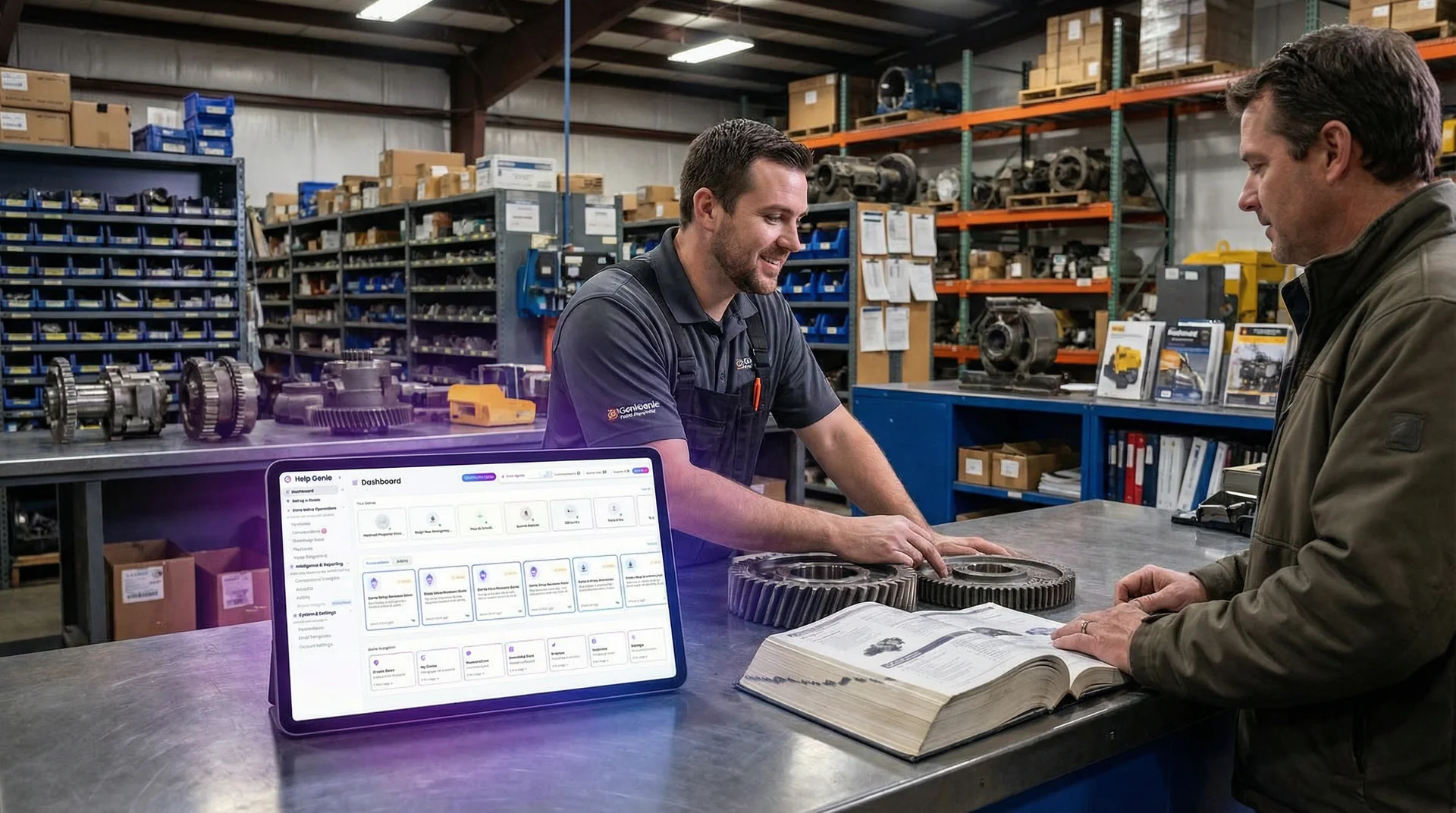
The Parts Finder handles this front-end information capture. When a customer calls or reaches out after hours, it collects the equipment model, serial number, and a description of the part needed. It asks the follow-up questions that prevent wrong shipments: “Is this for the primary hydraulic system or the auxiliary?” or “Can you read me the part number from the existing component?”
By the time your parts specialist picks up the inquiry, they’ve got a complete picture. No phone tag. No “let me call you back after I look that up.” The customer feels heard and your team works from accurate information.
Service Triage: Sorting “Down Right Now” From “Needs Attention Soon”
Not every service call is an emergency. But every caller thinks theirs is. The trick is separating genuine production-stopping failures from maintenance items and routine service requests without making anyone feel dismissed.
AI handles this by asking straightforward questions about impact. Is the equipment currently running? Is production affected right now? Are there safety concerns? When did the issue start? Have there been any error codes or unusual sounds?
The Escalation Agent classifies urgency into clear tiers: Critical (production down), High (significant impact), Medium (degraded performance), and Low (general questions). That classification determines the response path. Critical issues trigger immediate notification to your on-call service team. Medium-priority items get scheduled for the next available slot. Low-priority questions get answered on the spot or routed to the right person during business hours.
- All calls treated equally, urgent buried behind routine
- Parts counter staff doing double duty as dispatchers
- After-hours emergencies go to voicemail
- Incomplete information leads to wrong parts and wasted trips
- Customers call competitors while waiting for a callback
- Urgency classified instantly based on production impact
- Parts staff freed to focus on fulfillment, not intake
- 24/7 coverage with immediate escalation for emergencies
- Complete equipment and issue details captured every time
- Customers get acknowledged in seconds, not hours
This triage step changes the economics of your service department. Your senior techs aren’t wasting time on intake calls. Your dispatchers aren’t guessing at priority. And your customers with genuine emergencies get the fast response that keeps them loyal.
The After-Hours Gap: When Equipment Doesn’t Care What Time It Is
Industrial equipment runs around the clock. Second shift ends at 11 PM. Third shift runs until 7 AM. Weekends don’t exist for continuous process operations. But most equipment dealers close at 5 PM on weekdays and aren’t open on Saturdays.
That mismatch creates an enormous gap. A bearing failure at 10 PM on a Tuesday means the customer has to wait until 8 AM Wednesday to even start the conversation. For a plant running three shifts, that’s potentially 10 hours of downtime before anyone even picks up the phone.
AI changes this completely. The Troubleshooter operates 24/7, answering calls and walking operators through basic diagnostic steps. Sometimes the fix is simple. A tripped breaker, a clogged filter, an error code that clears with a specific reset sequence. These quick wins get equipment running again without dispatching a tech at midnight.
When the issue is beyond remote troubleshooting, the AI captures every detail and triggers the appropriate escalation. Your on-call tech wakes up to a complete summary: the equipment model, serial number, symptoms, error codes, what the operator already tried, and the urgency level. That tech is walking in informed, with the right parts on the truck, instead of spending the first 30 minutes on-site figuring out what’s wrong.
Try The Troubleshooter, your equipment diagnosis specialist to see how it handles a breakdown call.
Technical Specs and Documentation: The Questions That Eat Up Your Best People’s Time
“What’s the operating pressure range on the Model 4500?” “Can I get the wiring diagram for the control panel on our 2019 unit?” “What’s the replacement interval for the drive belts on the XR series?”
These questions come in constantly. They’re not emergencies. But they pull your most knowledgeable staff away from higher-value work. An experienced parts specialist who spends 15 minutes tracking down a spec sheet for a customer is 15 minutes behind on filling an urgent parts order.
The Spec Sheet handles technical specification requests and documentation inquiries. It identifies the equipment model, finds the relevant information, and either provides it directly or emails documentation to the customer. Your technical staff stays focused on complex problems that actually need their expertise.
Scheduling Preventive Maintenance: Turning Breakdowns Into Planned Stops
Every equipment dealer knows that preventive maintenance is more profitable and less stressful than emergency repair. But getting customers to actually schedule maintenance is a constant challenge. They’re busy. They forget. And calling to book a PM visit feels like a low-priority task until something breaks.
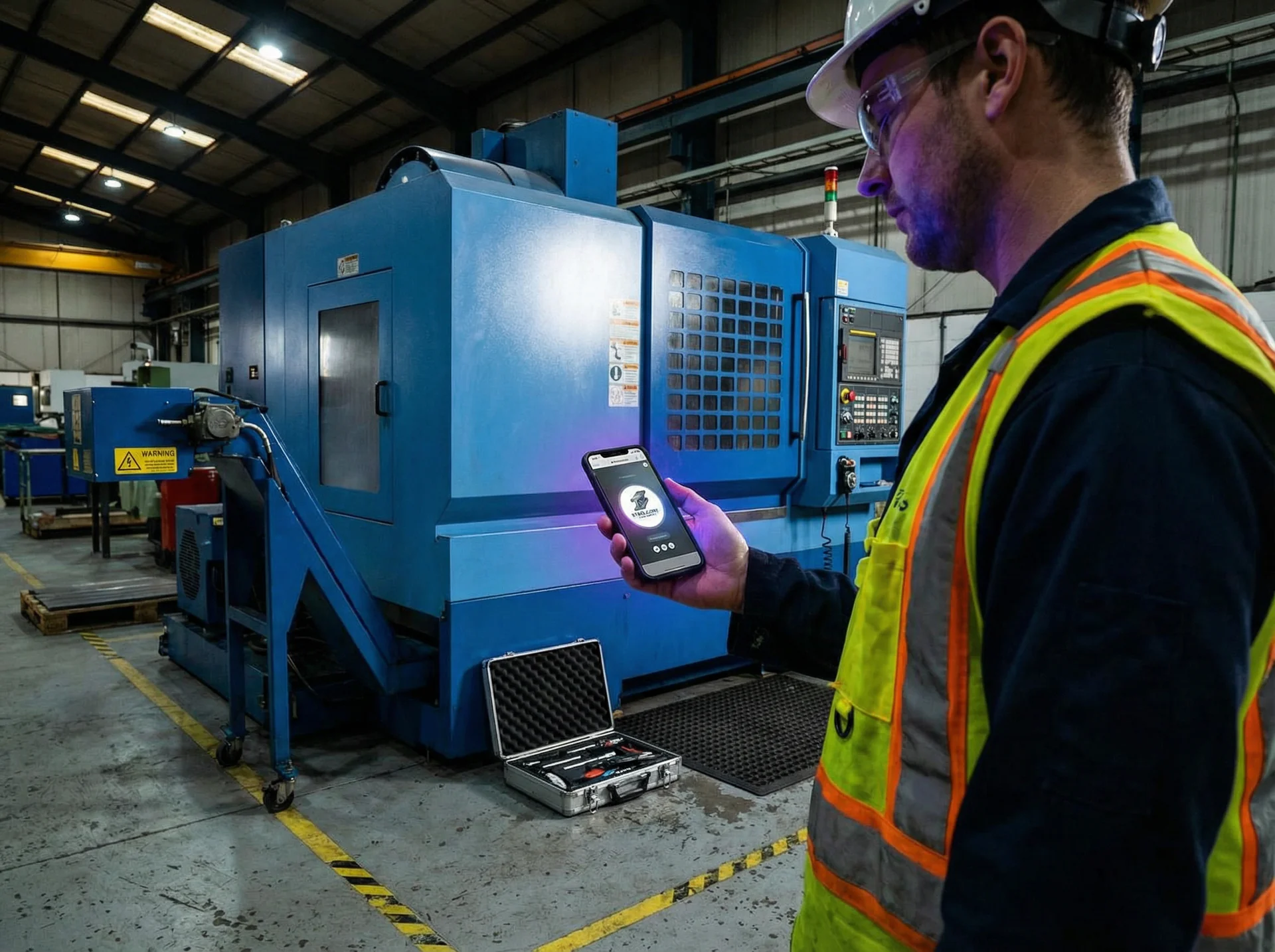
The Service Scheduler makes booking maintenance as easy as a quick conversation. It handles the coordination: what equipment needs service, what type of maintenance, preferred dates, and location details. It works for both inbound requests (“We need to schedule our quarterly PM on the press”) and proactive follow-ups when service intervals are approaching.
Every parts or service call that goes unanswered doesn't just cost you that transaction. It pushes your customer toward a competitor who picked up the phone. AI ensures every inquiry gets captured with the right details, triaged by actual urgency, and routed to the right person on your team.
The downstream effect is significant. More preventive maintenance means fewer emergency calls. Fewer emergency calls means less overtime, less scrambling, and happier customers. It’s a cycle that starts with making the scheduling conversation easier.
The Revenue Protection Angle
Industrial equipment dealers don’t just sell machines. The real margin is in parts and service. For many dealers, aftermarket revenue makes up 40-60% of total gross profit. And that revenue depends entirely on being the first call when something goes wrong.
If your customer calls at 6 AM with a production-stopping failure and gets voicemail, they’re calling someone else. And once a competitor handles the emergency, they’ve got a foot in the door for the ongoing parts and service relationship. One missed emergency call can unravel years of account loyalty.
AI protects this revenue by making sure you never miss the critical call. It’s not about handling every inquiry perfectly. It’s about making sure every inquiry gets handled, period. The customer who calls at 3 AM and gets an immediate, competent response remembers that. The customer who gets voicemail and has to scramble remembers that too.
How It Fits Into Your Existing Operation
You don’t need to rebuild your parts counter or retrain your service team. The genies on the industrial equipment page work alongside your existing staff. Think of them as a tireless first point of contact that captures information, classifies urgency, and routes to the right person.
Your workflow stays the same. AI handles the intake. Your parts specialists handle fulfillment. Your service techs handle repairs. The difference is that intake happens instantly, 24/7, with complete and accurate information every time.
For the industrial sector as a whole, this pattern applies across equipment types and dealer sizes. Whether you’re a single-location dealer with five employees or a multi-branch operation with 200, the bottleneck is the same: getting the right information from the customer to the right person on your team, fast enough that the customer doesn’t give up and call someone else.
Equipment downtime doesn’t wait for business hours and neither should your customer response. See how Help Genie’s industrial equipment voice genies handle parts inquiries, service triage, and after-hours support.
Try The Parts Finder, your parts inquiry specialist to see how it captures a complete parts request in under two minutes.
Help Genie Tips
Get more from your voice genie

Add custom pronunciations for your industry
Genie mispronouncing a brand name, medical term, or street name? Add custom pronunciations so your voice genie nails every word your callers expect to hear.

Route urgent calls to a real person instantly
Set up smart transfer rules so your genie hands off to the right team member when it detects urgency, a VIP caller, or a question it cannot answer. Conference or warm handoff.

Push leads straight into your CRM
Connect Help Genie to Salesforce, HubSpot, or Pipedrive through Zapier or webhooks. Every qualified lead lands in your pipeline automatically with full conversation context.

Capture exactly the info you need from every caller
Define custom fields your genie should collect: budget, timeline, property type, vehicle make, service needed. Every call ends with structured data, not a scribbled note.
Ready to try it?
Set up a voice genie for your business in minutes.
Keep exploring
Further reading and useful tools
Voice AI for Industrial Operations: The Complete Guide
How logistics, warehousing, and industrial equipment firms use voice AI genies to catch every shipment, parts, and service call around the clock.
Use CaseOne Multi-Language Source of Truth for Every Frontline Worker
How a voice AI genie gives your entire frontline workforce real answers in their own language. No translation lag, no nod-and-smile.
BlogAI-Powered Real-Time Shipment Tracking for Logistics
Real-time shipment tracking that answers where's-my-freight calls in 90 seconds, so dispatchers handle exceptions, not lookups. See how it works.
ComparisonBest AgentZap Alternatives (2026)
Honest roundup of AgentZap alternatives for AI receptionists. Compare minute-based AI, flat-rate voice genies, and human answering services.
ComparisonBest Smith.ai Alternatives (2026)
Honest roundup of the top Smith.ai alternatives, from human answering services to flat-rate voice AI. Compare pricing models and find the right fit.
GuideVoice AI for Clubs and Associations: The Complete Guide
How sports clubs, community groups, and member associations deploy voice genies to answer member enquiries, handle bookings, and free volunteers from the phone.
Help Genie
The Help Genie Team
The Help Genie team builds voice AI genies that resolve everyday support on their own — across phone, chat, web, and email — in your voice, 24/7. We write about what we learn shipping it to real businesses.
Building voice AI for 11+ industries, from trades to hospitality.
- voice AI
- customer support
- lead capture
- multi-channel genies