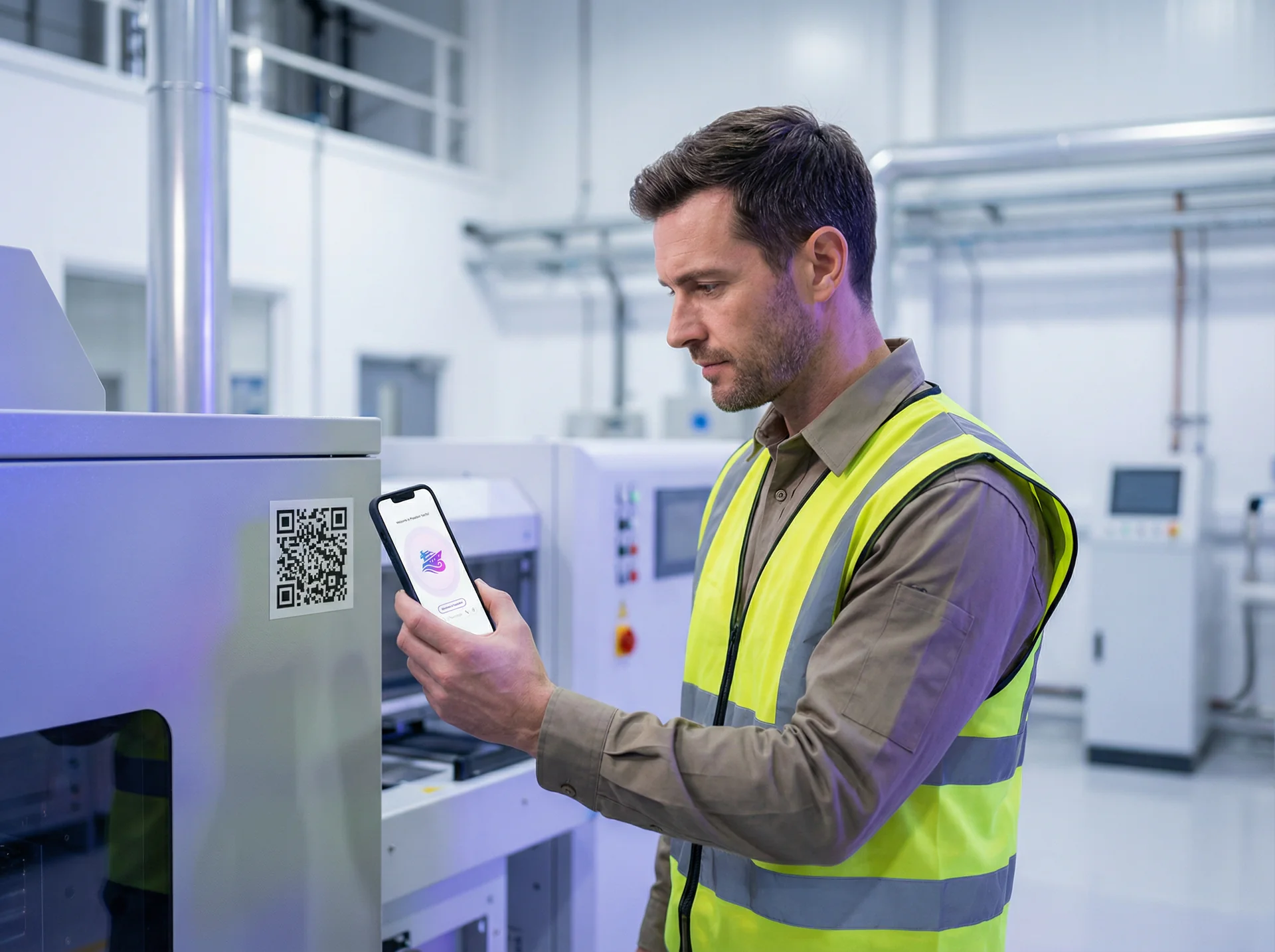
The Equipment Support Guide
Put a technician on every machine.
Attach QR codes to equipment, appliances, or machinery. Users scan for instant troubleshooting, maintenance tips, manual access, and direct support escalation.
Sign up free to deploy this playbook into your own genie in minutes — no credit card required.
The Strategy
Attach QR codes to equipment, appliances, or machinery. Users scan for instant troubleshooting, maintenance tips, manual access, and direct support escalation.
Perfect for
Estimated setup time: 30 minutes · intermediate
See it in action
Watch how your voice genie handles a real conversation — naturally and effectively.
How it works
Your voice genie follows this proven conversation flow to achieve results
User encounters equipment issue
Employee or customer experiences problem with machine or equipment
Scans QR for instant help
User scans QR code on equipment to access a dedicated technical Genie
Diagnoses the problem
Genie asks targeted questions to identify issue type and severity
Provides step-by-step fix
Delivers clear troubleshooting instructions with visual aids if available
Escalates if needed
Sends the technician visit or parts request to your team when self-service isn't sufficient
Issue resolved quickly
Equipment back online with minimal downtime and reduced service costs
What you get
Every playbook comes with everything you need to deploy a production-ready voice genie.

Trained Conversation Flow
Your genie follows a proven conversation script designed for this playbook. It asks the right questions, provides relevant answers, and guides visitors toward the outcome you want.

Multi-Channel Deployment
Deploy on phone calls, website voice and chat, QR codes and email, all from a single configuration. Your genie meets customers wherever they are.

Built-In Knowledge Base
Upload your documents, FAQs, and product information. Your genie draws on your actual business knowledge to answer questions accurately.

Conversation Intelligence
Every interaction generates insights. See what customers ask most and discover patterns that help you improve your messaging.
Equipment QR codes reduced our service calls by 60%. Most issues are now resolved in minutes instead of hours.
Resources for this playbook
Equipment QR Code Setup
How to attach and configure QR codes for different equipment types
Troubleshooting Decision Trees
Pre-built diagnostic flows for common equipment categories
Explore More Playbooks
Discover strategies that complement your growth
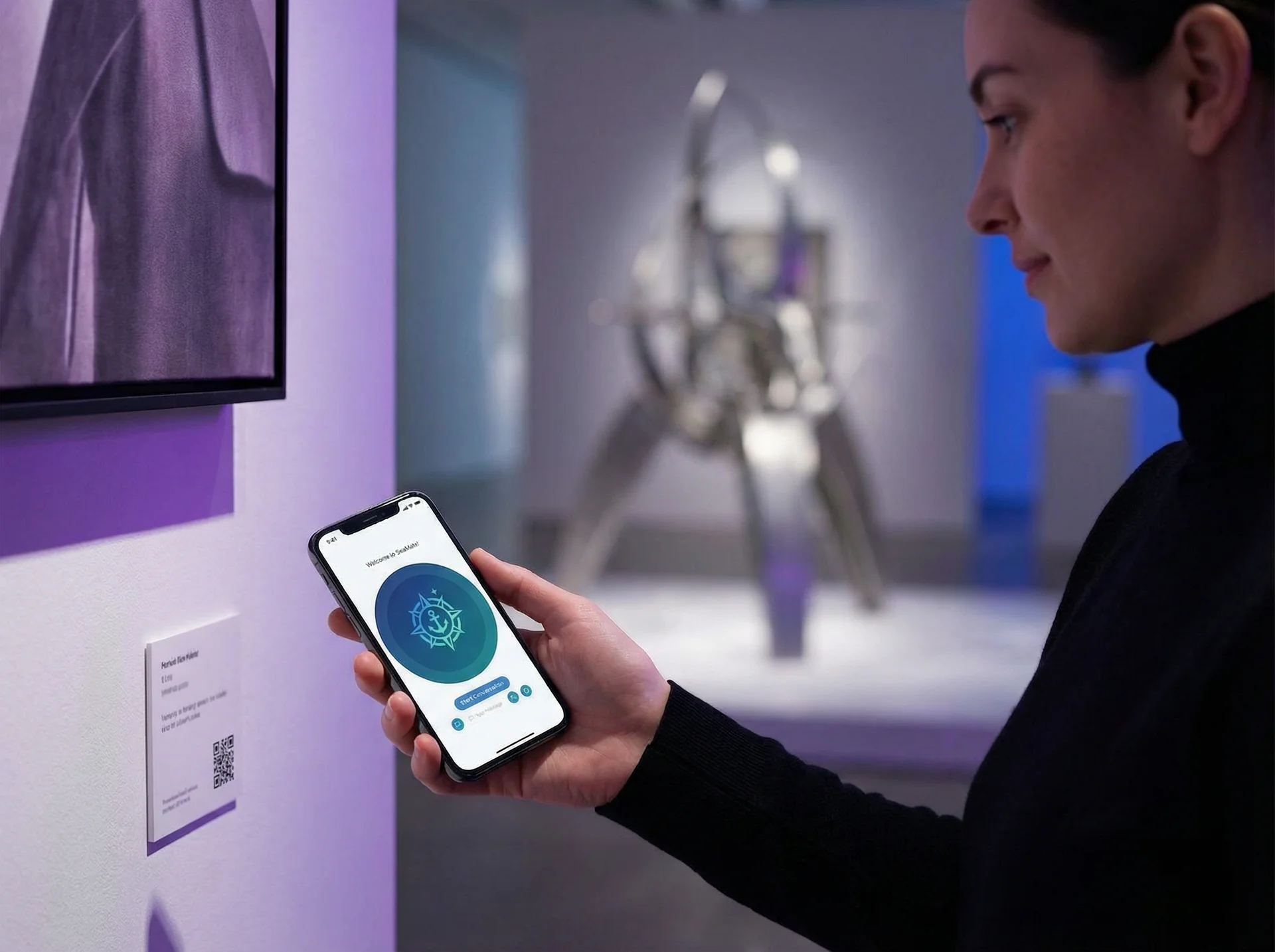
The Interactive Exhibition Guide
Make every exhibit come alive.
Place QR codes next to museum exhibits, art pieces, or educational displays. Visitors scan for audio tours, detailed information, interactive Q&A, and personalized learning experiences.
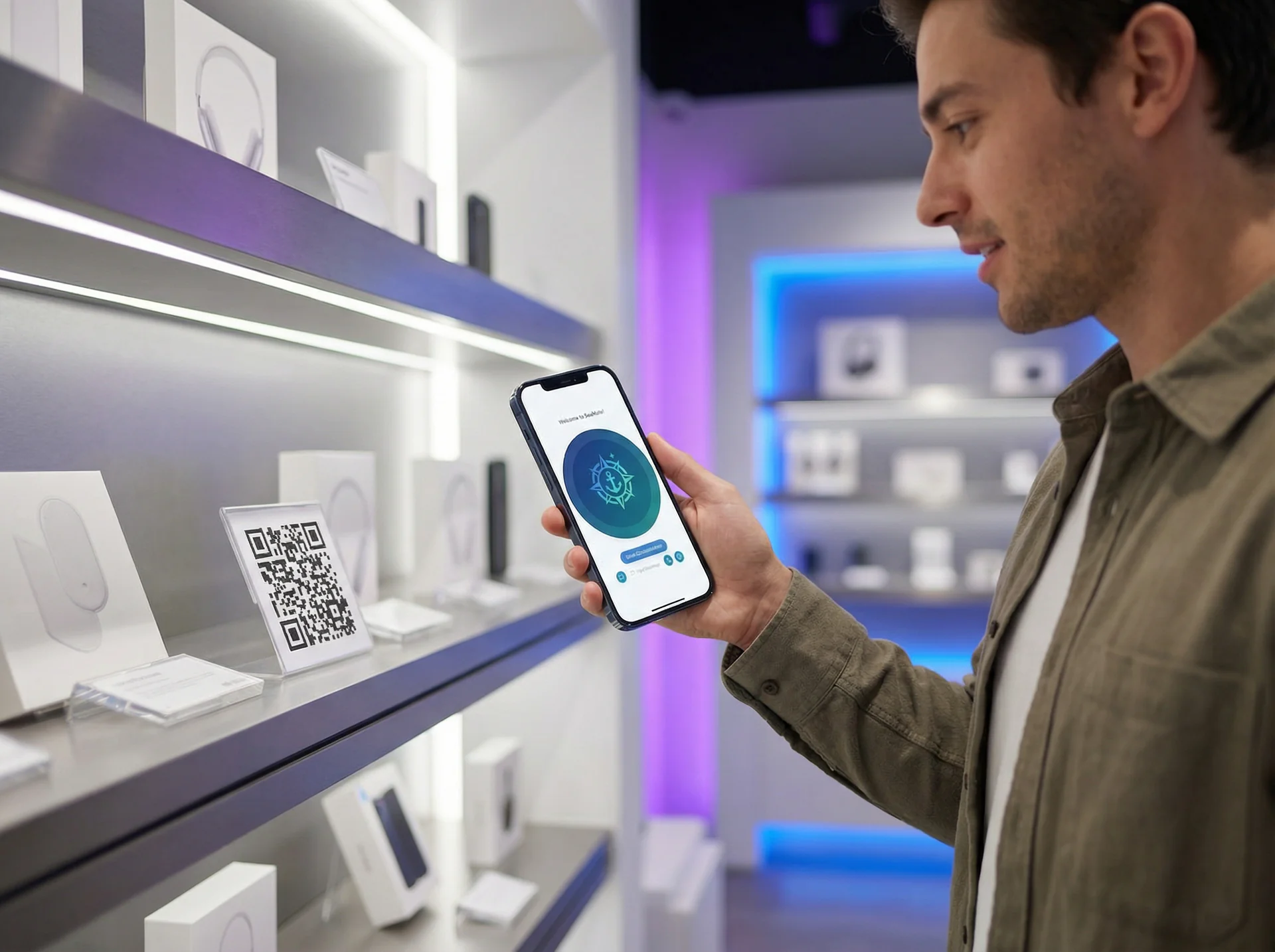
The Retail Product Genie
Turn every product into a sales associate.
Place QR codes on products, shelves, or displays. Customers scan to get instant product information, comparisons, availability, and personalized recommendations without waiting for staff.
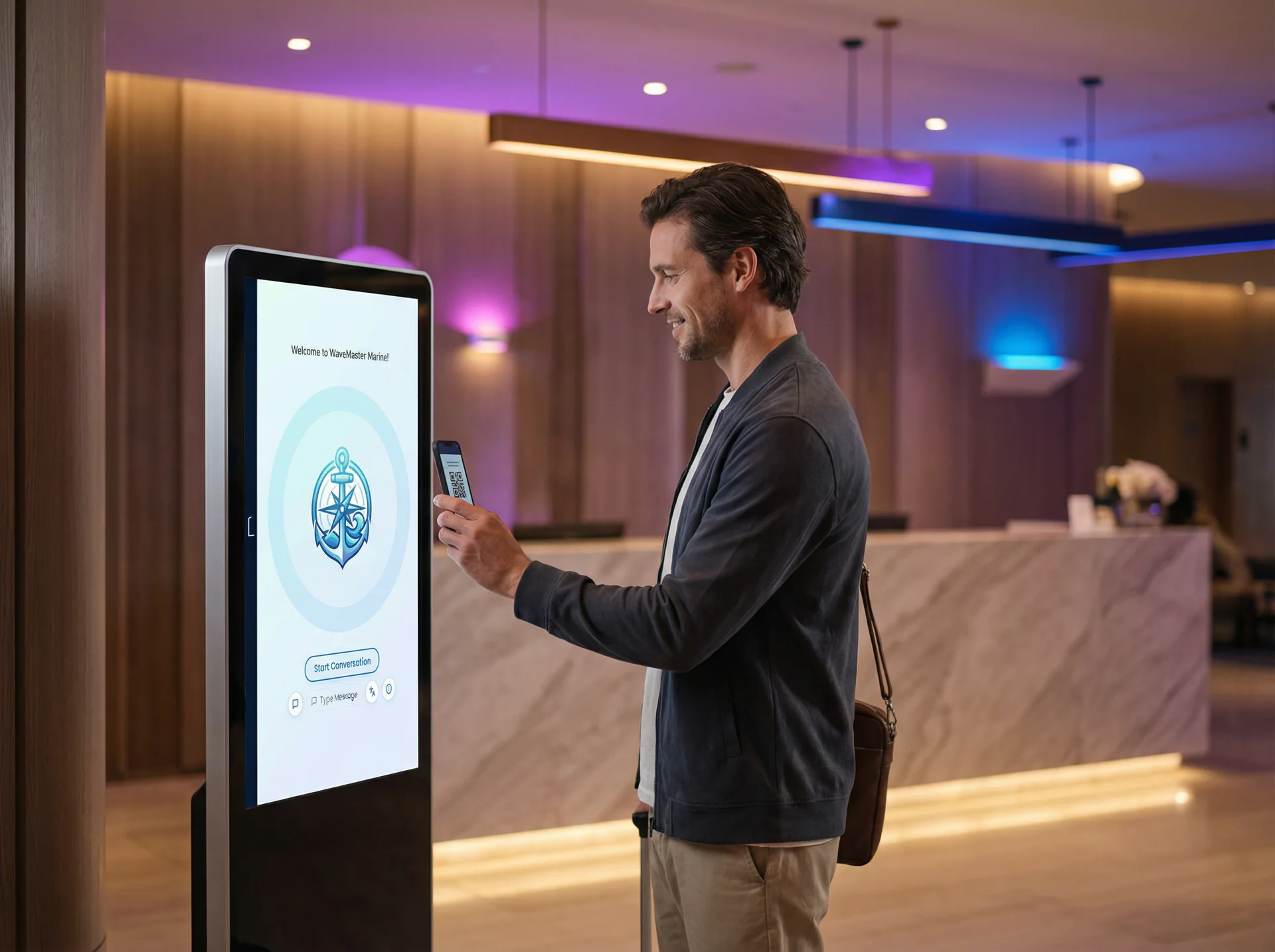
The Location Concierge
A local expert at every venue.
Deploy QR codes at hotels, restaurants, tourist spots, or event venues. Visitors scan for recommendations, directions, booking requests, and local insights.
Ready to deploy The Equipment Support Guide?
Set up your voice genie and start converting conversations into results.