
The Status Page Communicator
Manage incidents and downtime proactively.
During outages or maintenance, use a Genie to communicate status updates, set expectations, and gather affected user information while maintaining transparency.
Sign up free to deploy this playbook into your own genie in minutes — no credit card required.
The Strategy
During outages or maintenance, use the Genie to communicate status updates, set expectations, and gather affected user information.
Perfect for
Estimated setup time: 25 minutes · intermediate
See it in action
Watch how your voice genie handles a real conversation — naturally and effectively.
How it works
Your voice genie follows this proven conversation flow to achieve results
User visits during incident
Customer accesses service during active outage or maintenance window
Immediately informs of status
Genie proactively communicates current incident status and impact scope
Provides specific details
Explains which services are affected, which are operational, and expected timeline
Sets realistic expectations
Gives timeline estimates and offers to take details so your team can update the customer
Captures notification preferences
Collects contact information so your team can send status updates
Maintained customer trust
Transparent communication preserves customer confidence during incidents
What you get
Every playbook comes with everything you need to deploy a production-ready voice genie.

Trained Conversation Flow
Your genie follows a proven conversation script designed for this playbook. It asks the right questions, provides relevant answers, and guides visitors toward the outcome you want.

Multi-Channel Deployment
Deploy on phone calls, website voice and chat, QR codes and email, all from a single configuration. Your genie meets customers wherever they are.

Built-In Knowledge Base
Upload your documents, FAQs, and product information. Your genie draws on your actual business knowledge to answer questions accurately.

Conversation Intelligence
Every interaction generates insights. See what customers ask most and discover patterns that help you improve your messaging.
During our last outage, the Genie handled 80% of user inquiries automatically. Support ticket volume was 60% lower than previous incidents.
Resources for this playbook
Incident Response Templates
Pre-written responses for common incident types and scenarios
Status Page Knowledge Setup
How to keep the genie's knowledge current with your status page
Explore More Playbooks
Discover strategies that complement your growth

The Interactive FAQ
Your first line of defense for support questions.
Use a Genie as an interactive help center. Train it on your knowledge base to answer common questions instantly.

The Internal L&D Genie
Support employee training and development.
Deploy a Genie that helps employees navigate training materials, answers questions about specific training content, explains company policies, and provides on-demand support for learning initiatives. Available 24/7 to help employees understand and engage with training materials.
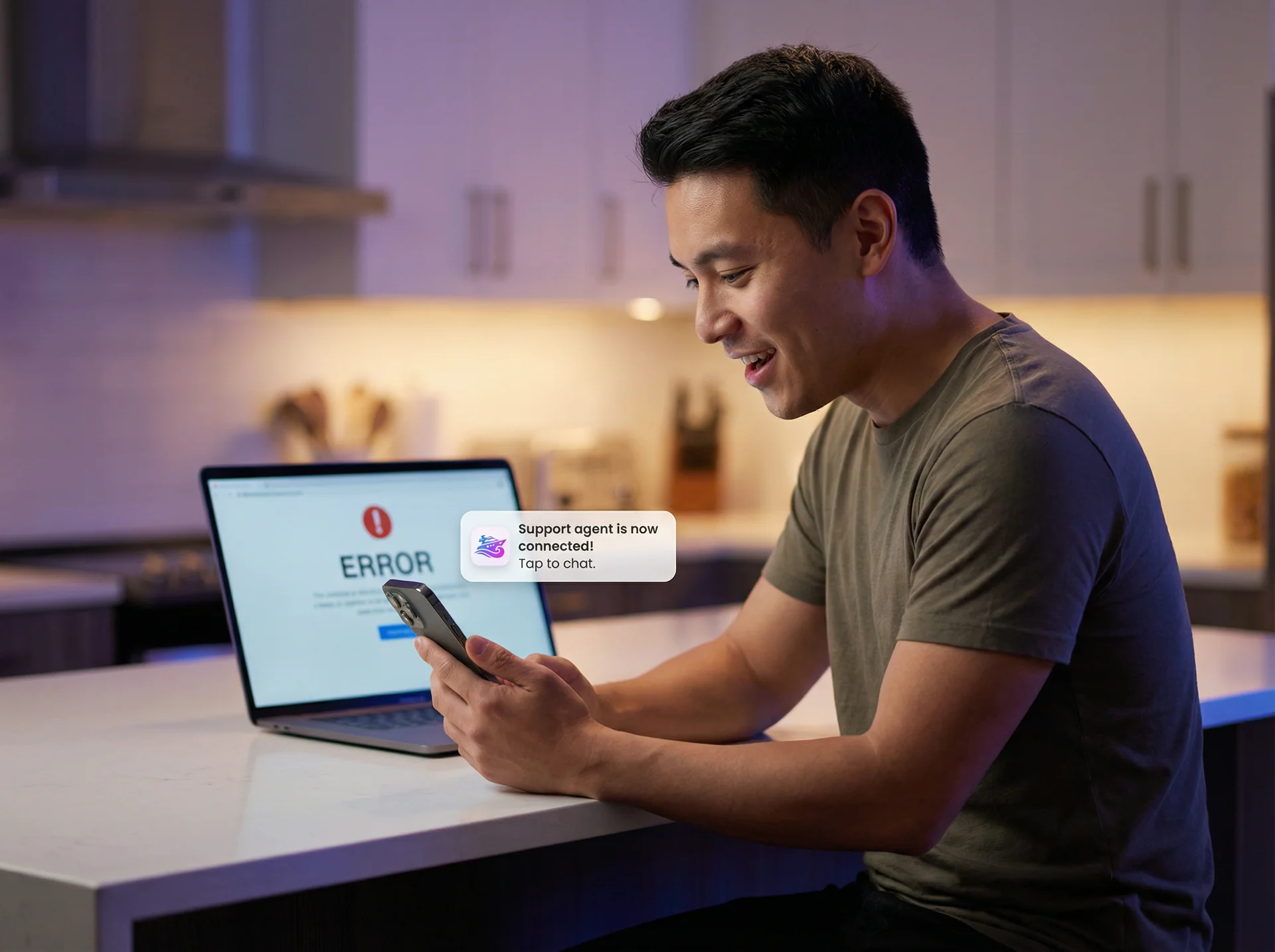
The Proactive Problem-Solver
Solve issues before users even ask.
Detect when users are struggling (e.g., error pages, form validation issues) and proactively offer help to resolve the problem.
Ready to deploy The Status Page Communicator?
Set up your voice genie and start converting conversations into results.